


Accept the files clients actually send.
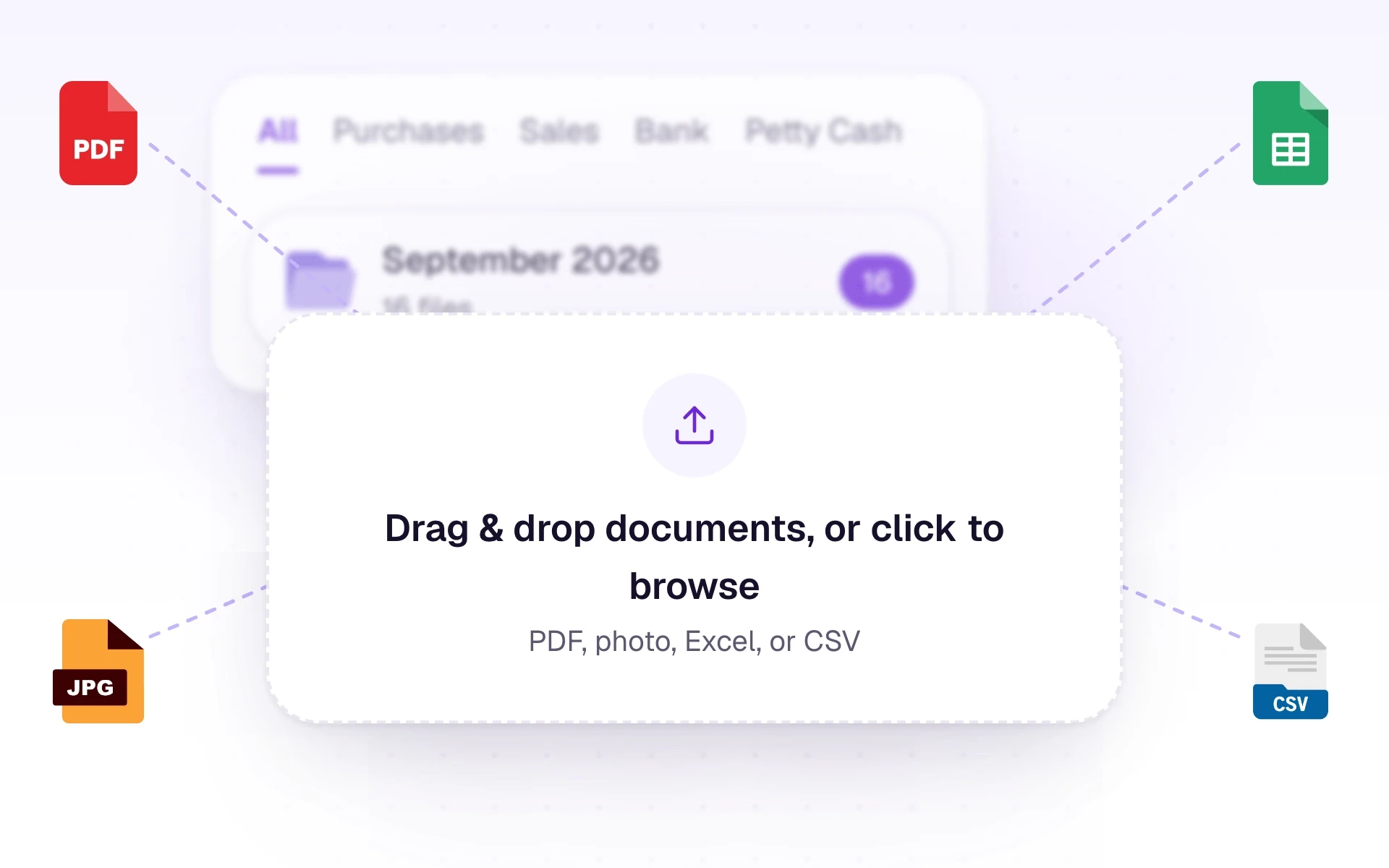
PDF, photo, Excel, or CSV. AutoBooks files each one by type and starts reading in the background.
What it does
Upload does not wait for reading. Each file appears straight away, and a background worker reads it while you keep working.
AutoBooks makes a first guess at the right tab from the file name and a quick look at the page. You can move a file if it landed in the wrong place. Moving it changes where it is shown. It does not change how the document was read.
What it includes
Upload documents and keep them organised by type.
- Photos and scans: PNG, JPG, JPEG, and WEBP
- Documents: PDF
- Spreadsheets: CSV, XLS, and XLSX
- Up to 25 MB per file, and up to 100 files in one batch
- Tabs for Purchases, Sales, Bank, Petty Cash, and All
- Statuses from Queued to Processing to Extracted
Three steps
The short version of how a team uses it.
- 1
Choose the workspace
In a CA firm, pick the client first. A company workspace skips that step.
- 2
Add the files
Open Documents and drag files onto the drop zone, or click it to choose them.
- 3
Leave it reading
Each file shows as Queued. You can leave the page. One unreadable file does not hold up the rest.
Common questions
Straight answers about this part of AutoBooks.

Try Document intake
Create a workspace and try this with your own files. Every new workspace includes a 7-day free trial.