


A first draft of every row, ready for an accountant.
Photos and PDFs are read into fields. Spreadsheets are parsed as tables. Nothing counts until someone checks it.
What it does
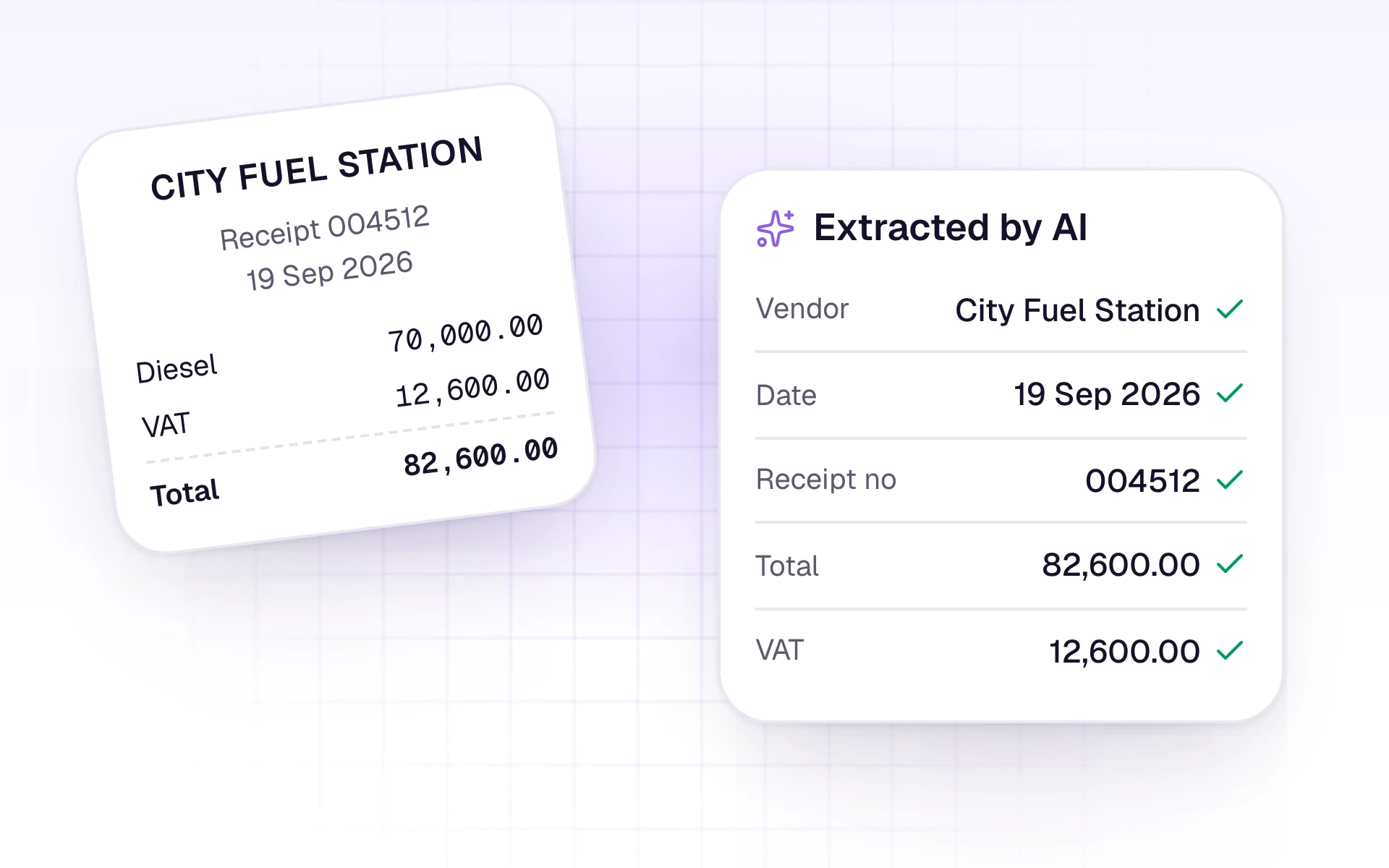
A digital bank-statement PDF is read as a table, and each movement becomes its own row. Photos and other PDFs are read for the date, party, totals, tax, and line items. Excel and CSV files are parsed as tables, and the numbers stay exactly as printed.
Ledger suggestions come from the books you already keep. When no ledger fits, AutoBooks can suggest a new one for you to create or dismiss. Reading is a first draft. An accountant reviews every row before it counts.

What it includes
Read dates, parties, amounts, tax, and line items from the file.
- Date, document number, party, totals, tax, and line items from invoices and receipts
- One physical slip becomes one row
- An invoice and its fiscal receipt on the same page become one transaction
- Z-Reports stored as sales receipts, with Sales Revenue suggested
- A new spreadsheet layout mapped once, then remembered by its header row
- Debit and Credit columns kept apart on trial-balance spreadsheets
Three steps
The short version of how a team uses it.
- 1
The file is queued
Upload returns immediately. Reading happens in the background.
- 2
The right reader runs
Tables stay tables. Photos and other PDFs are read into fields. Spreadsheet amounts are not rewritten.
- 3
You check the draft
Open the row, compare it with the original, and edit anything that is off.
Common questions
Straight answers about this part of AutoBooks.

Try AI extraction
Create a workspace and try this with your own files. Every new workspace includes a 7-day free trial.