Pre-accounting automation
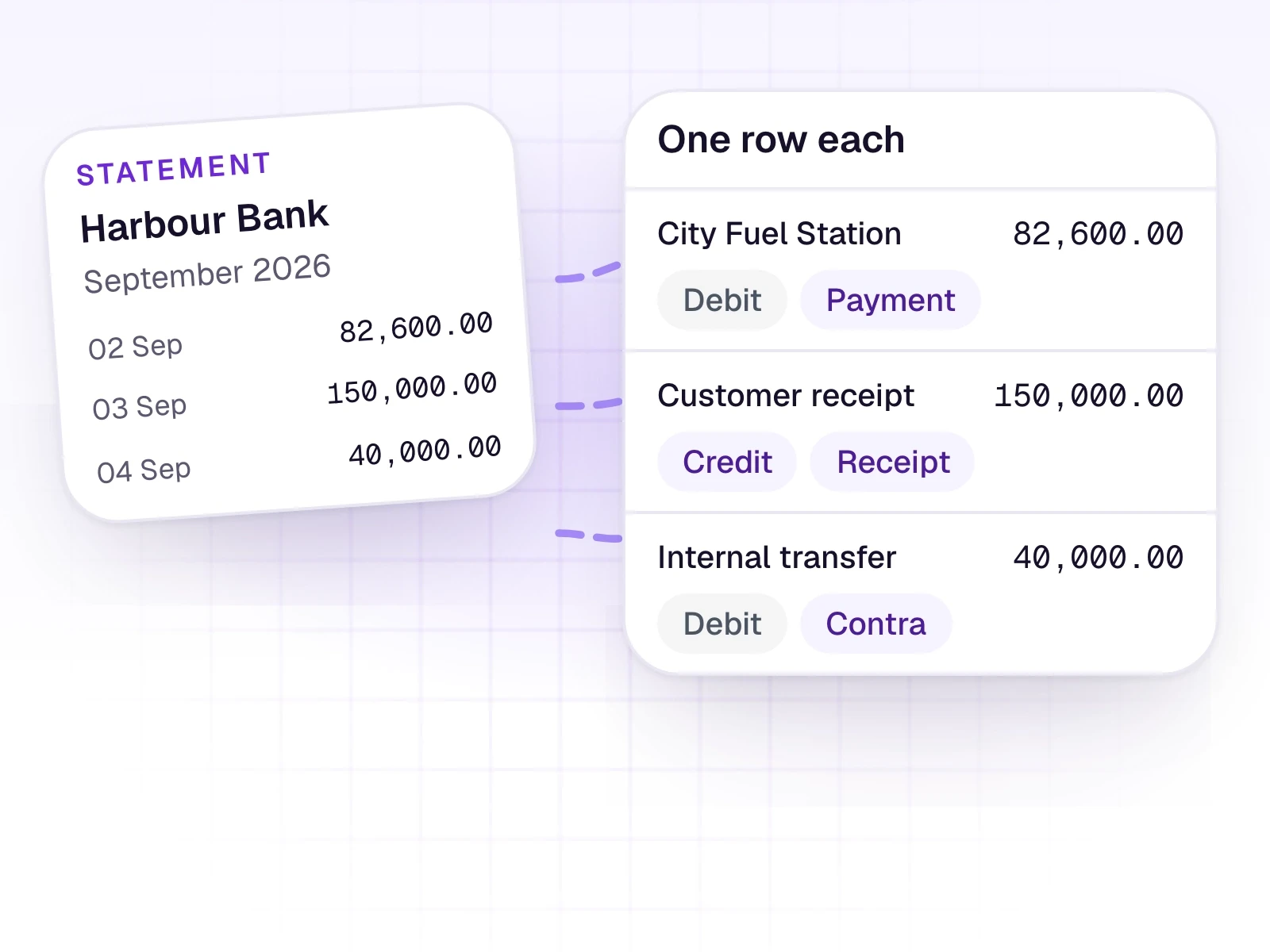
Invoices, receipts, Z-Reports, and statements become reviewed rows. An accountant checks the work before anything is posted.
Try AutoBooks
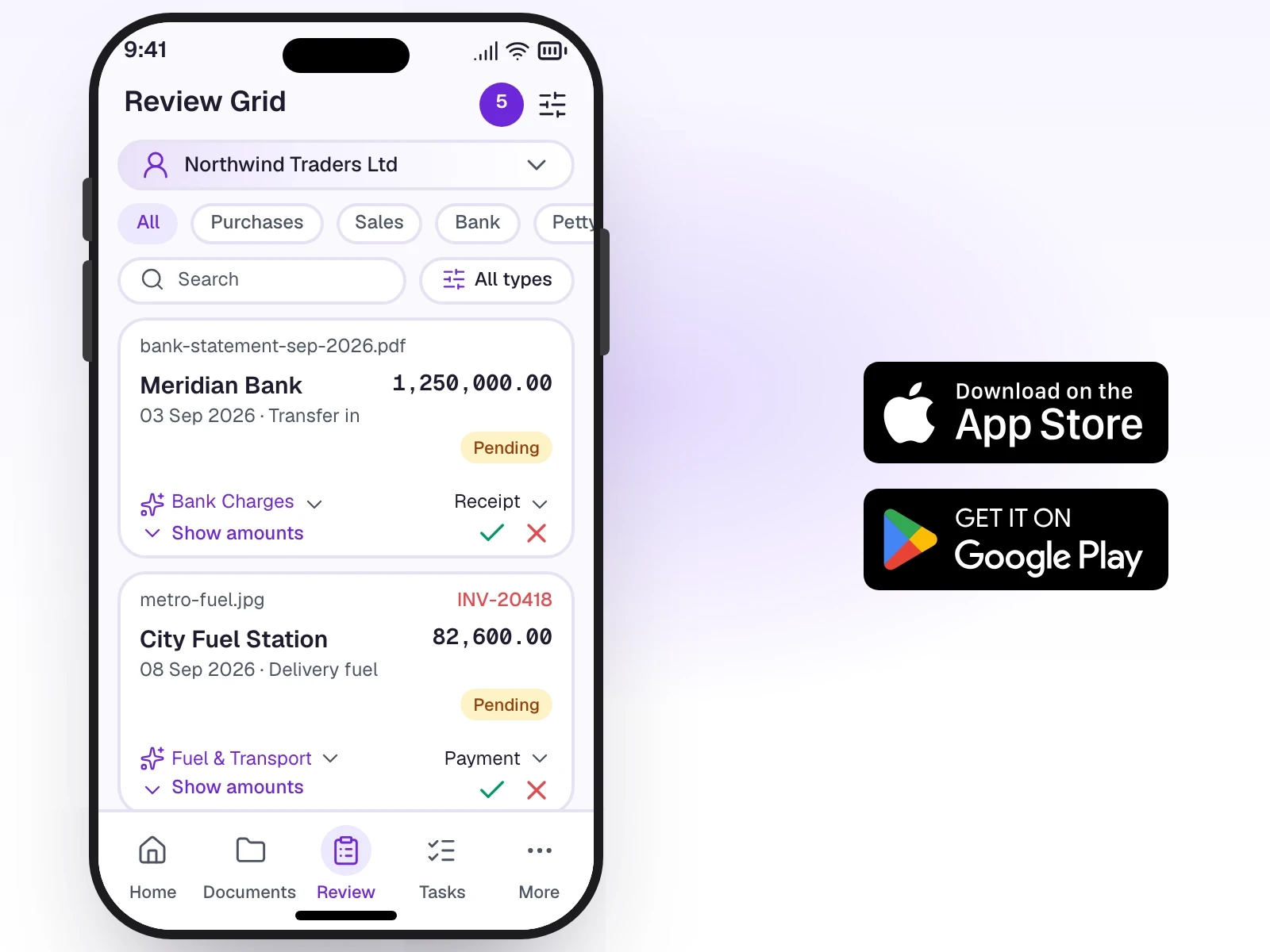
AI reads the file. Your team edits dates, parties, amounts, tax, and ledgers. Then the approved work posts.
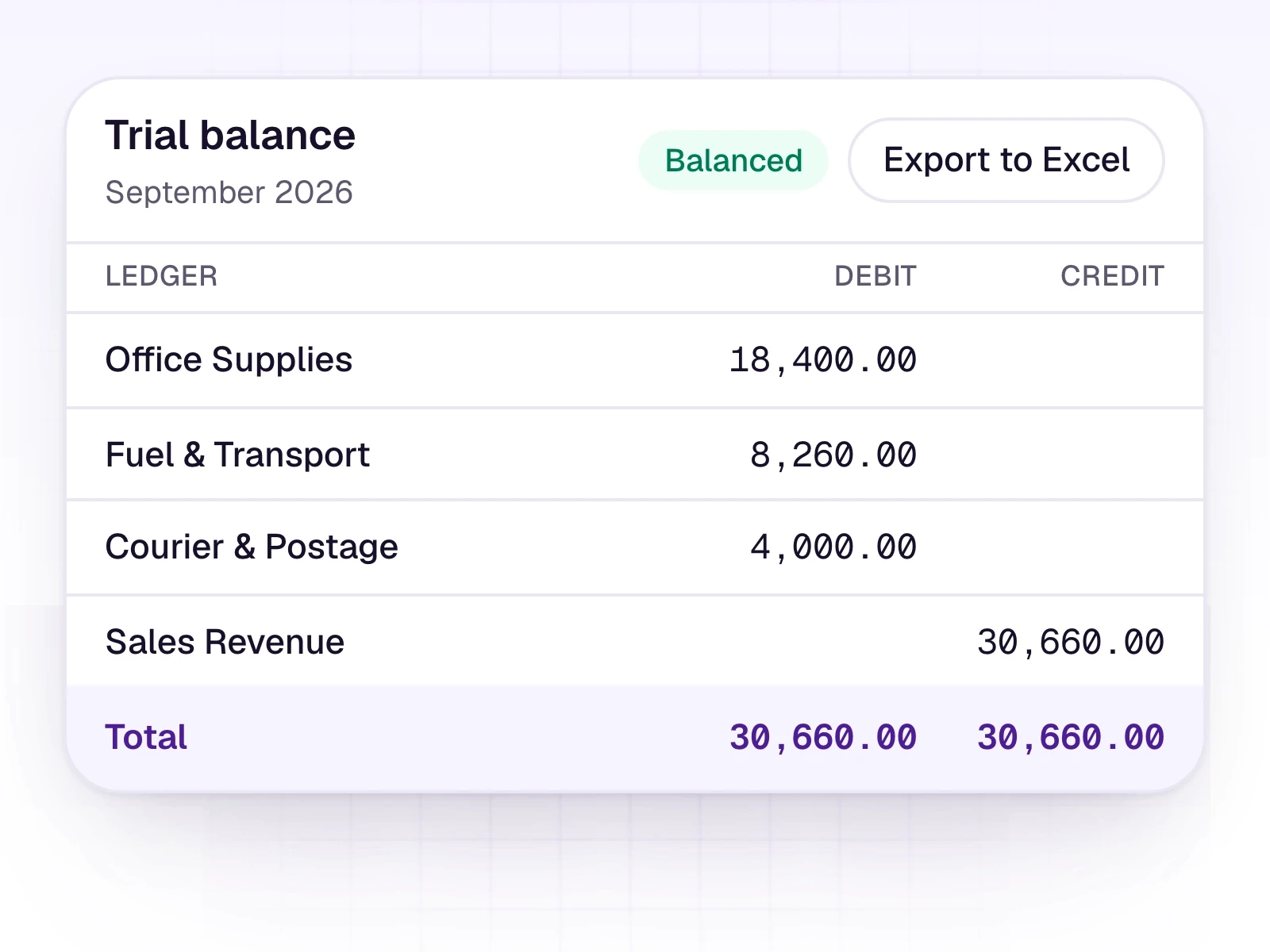
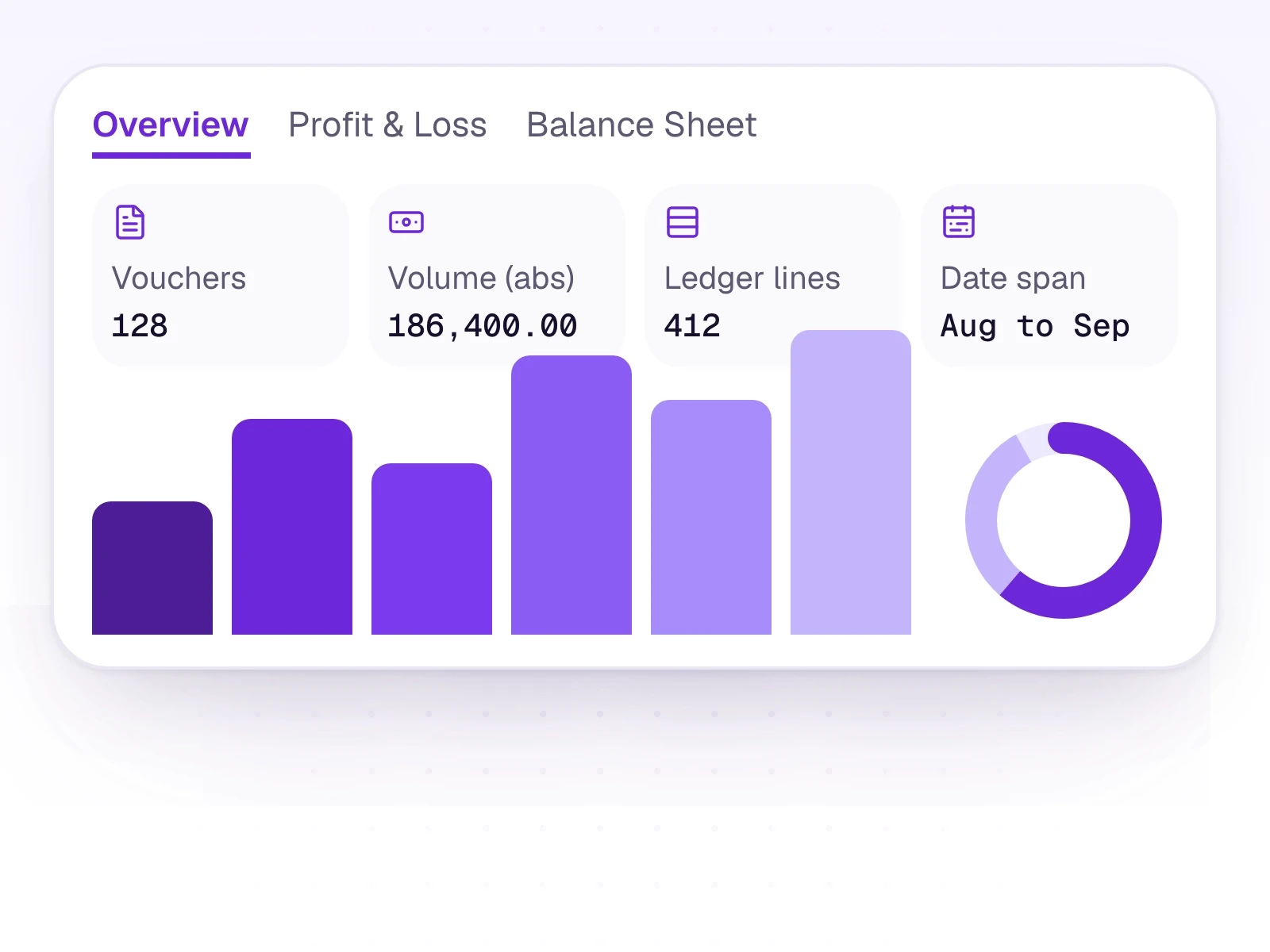
AutoBooks reads the file, prepares the row, and waits for an accountant. Then the approved work can go to the trial balance or your ERP.
Invoices, receipts, Z-Reports, and statements become reviewed rows. An accountant checks the work before anything is posted.
Try AutoBooks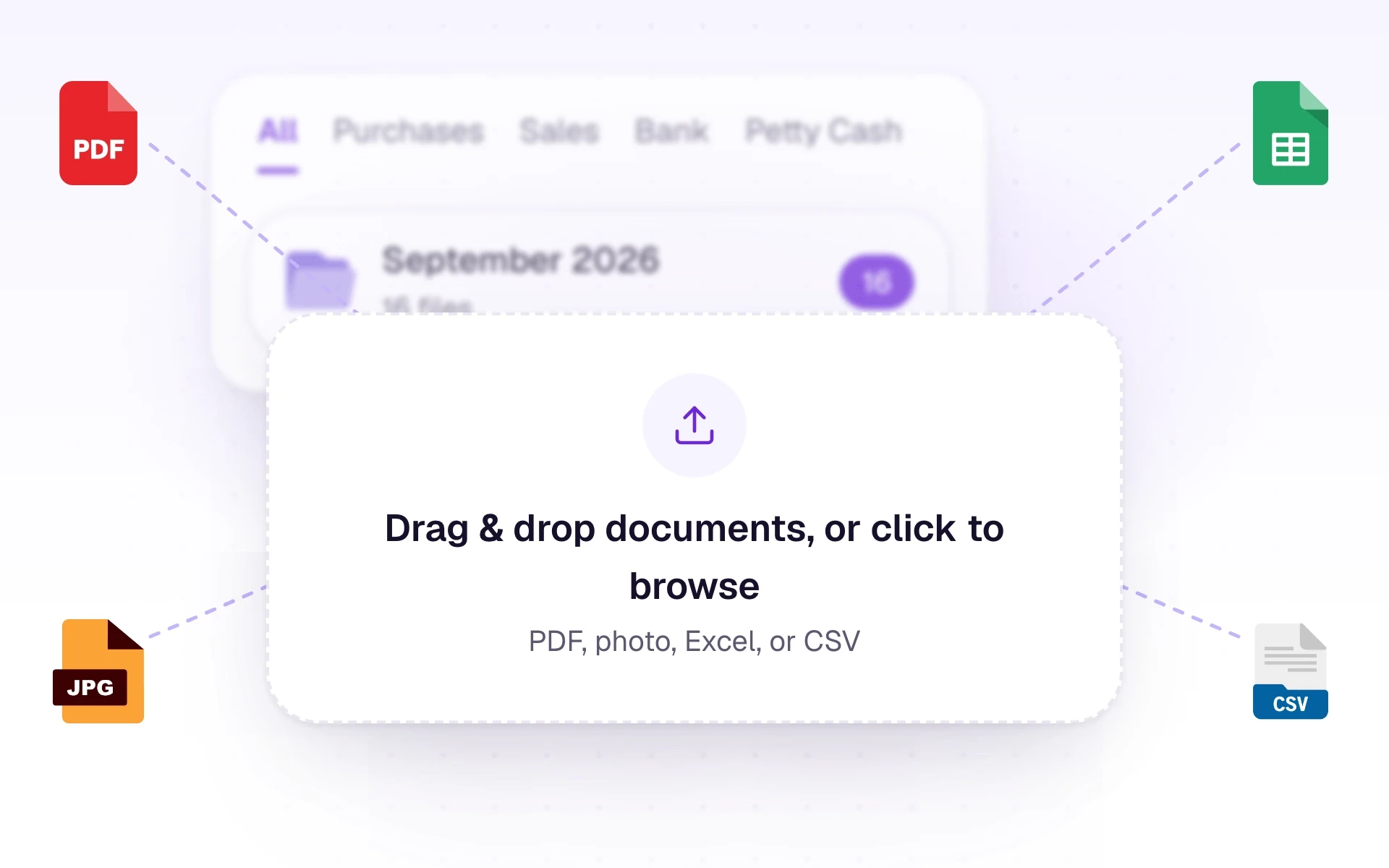
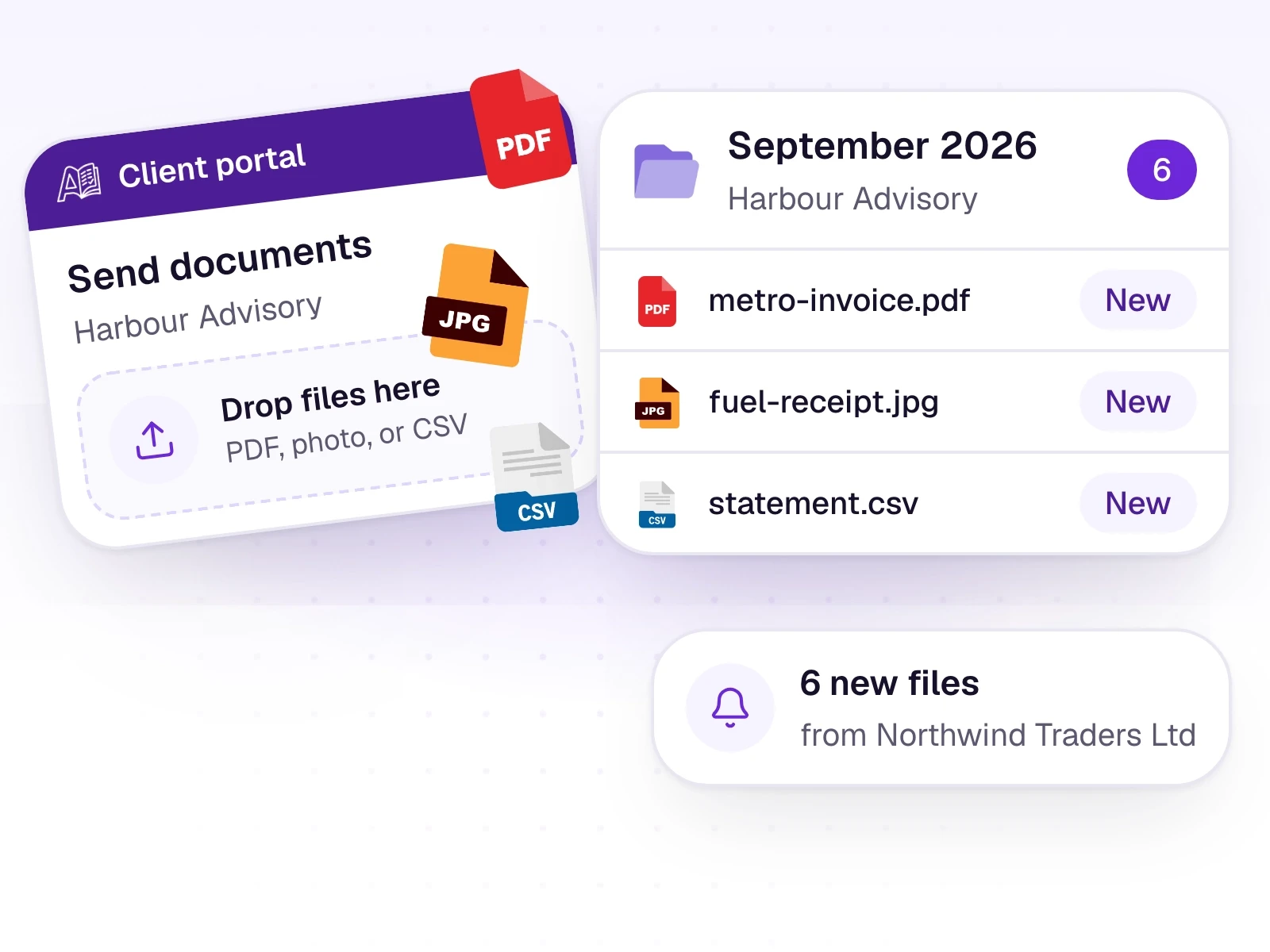
Accept the files clients actually send: PDF, photo, Excel, or CSV. Keep them organized by type.
Learn more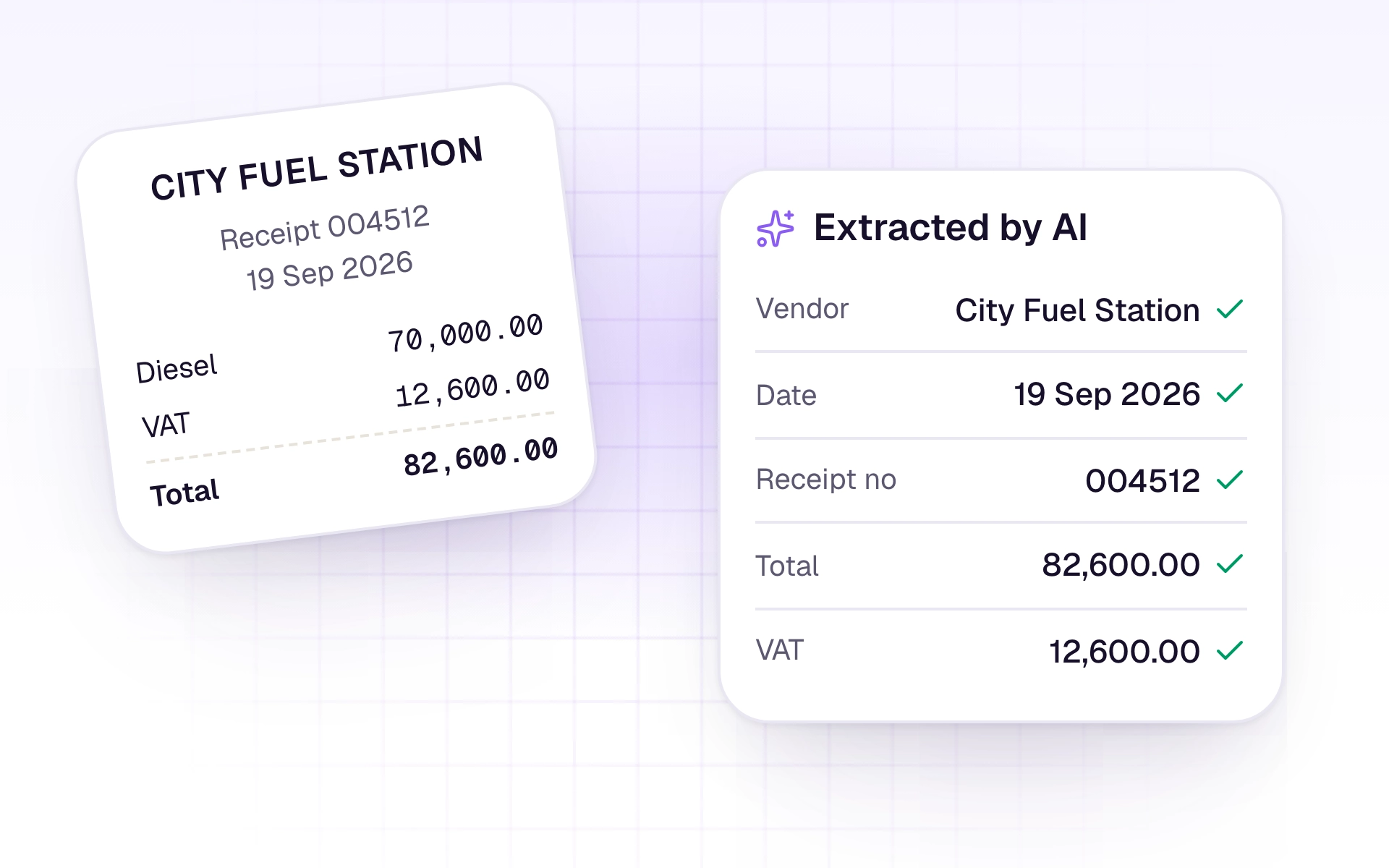
Photos and PDFs are read with AI. Spreadsheets are parsed directly. Ledger suggestions come from the books you already keep.
Learn more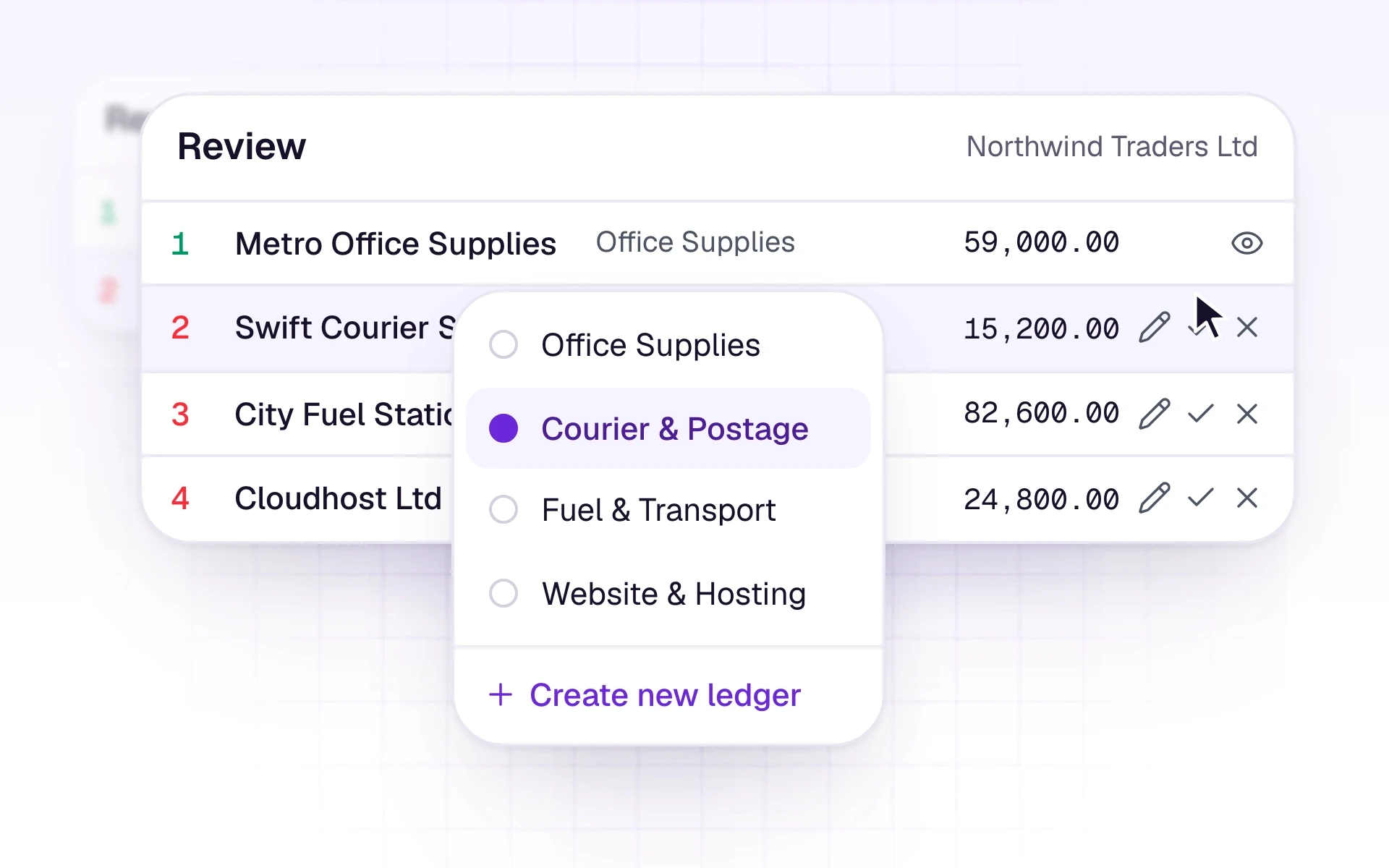
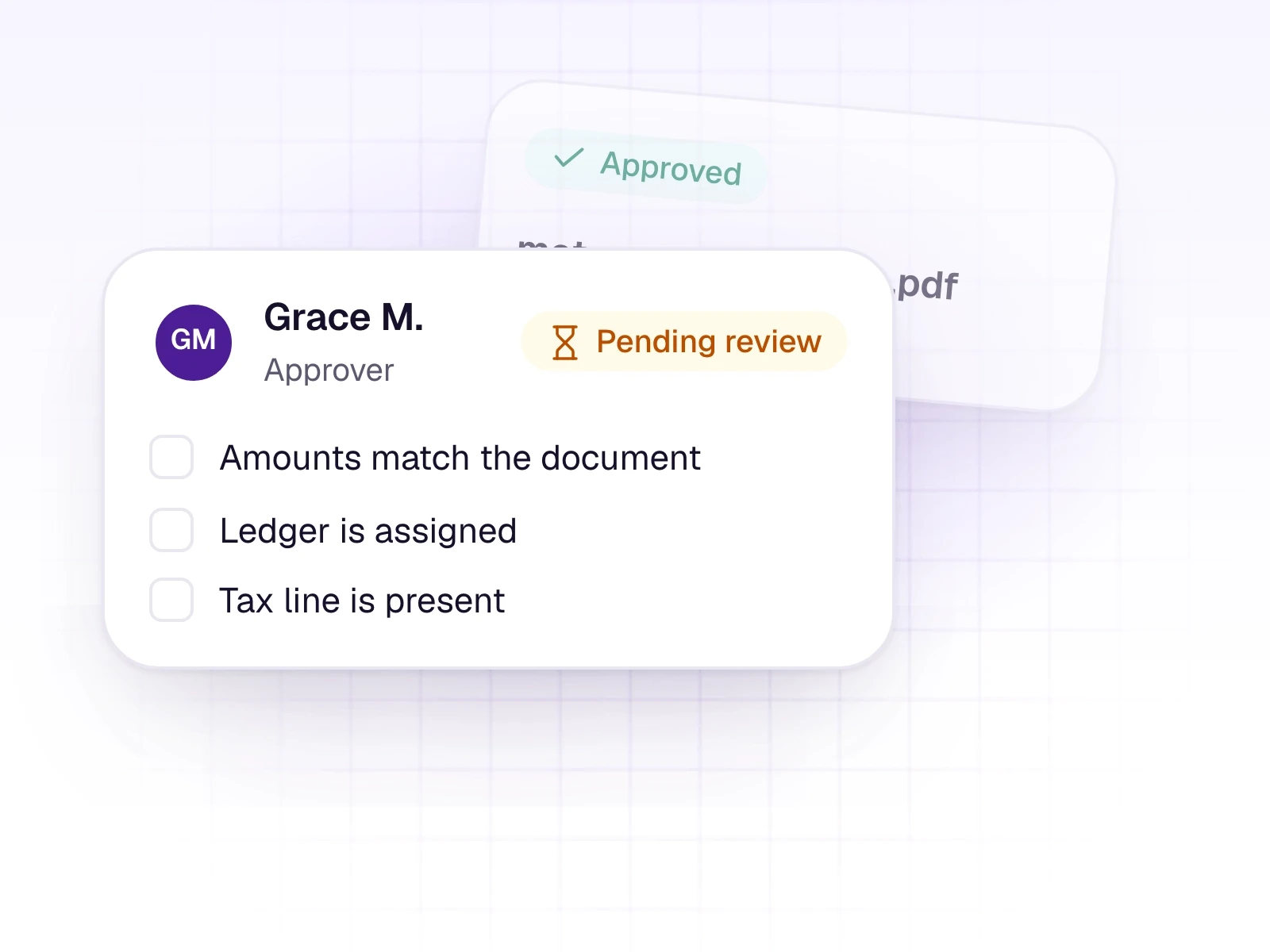
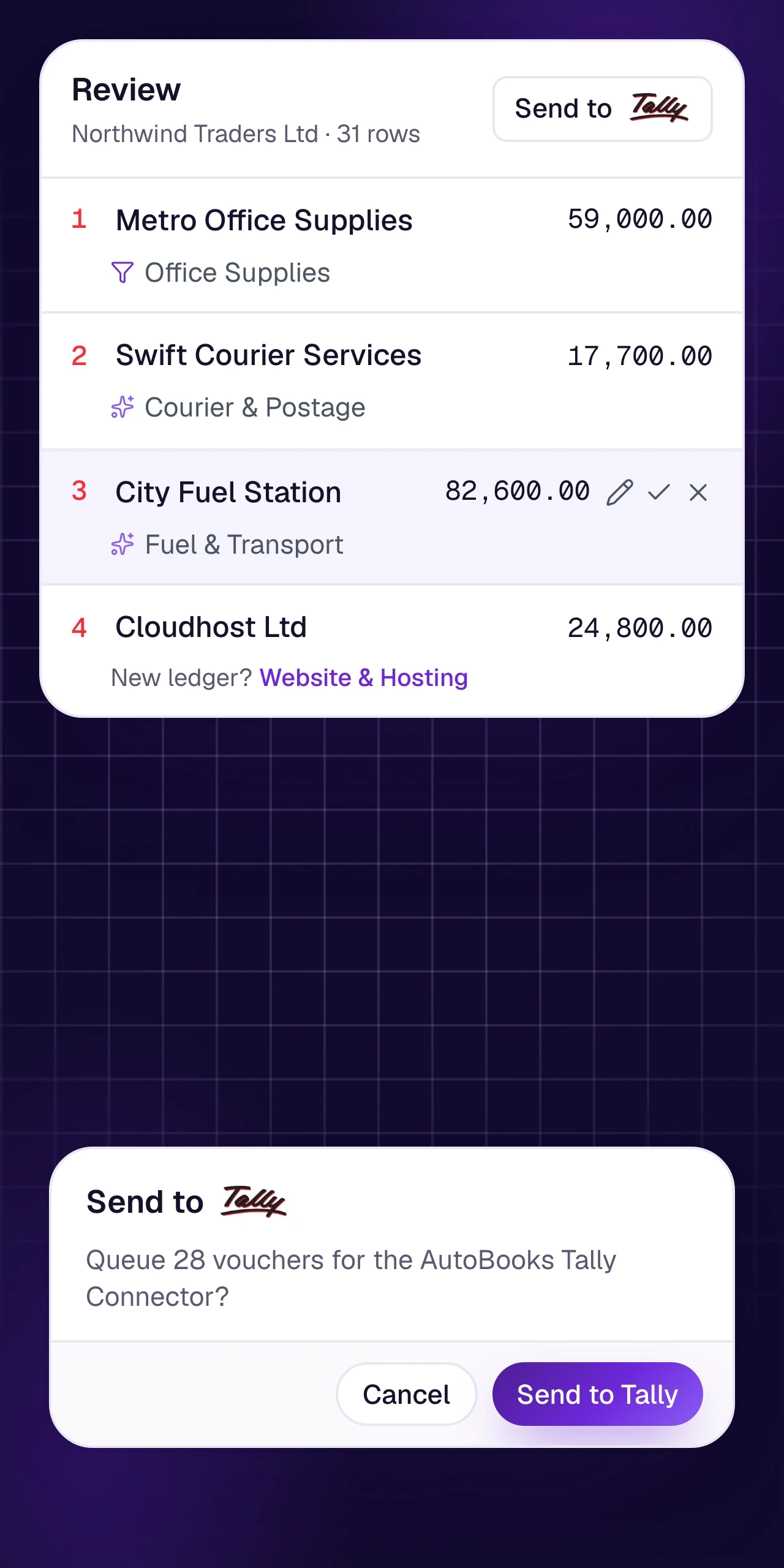
Edit dates, parties, amounts, tax, and ledgers. Nothing becomes a record until an accountant approves it.
Learn more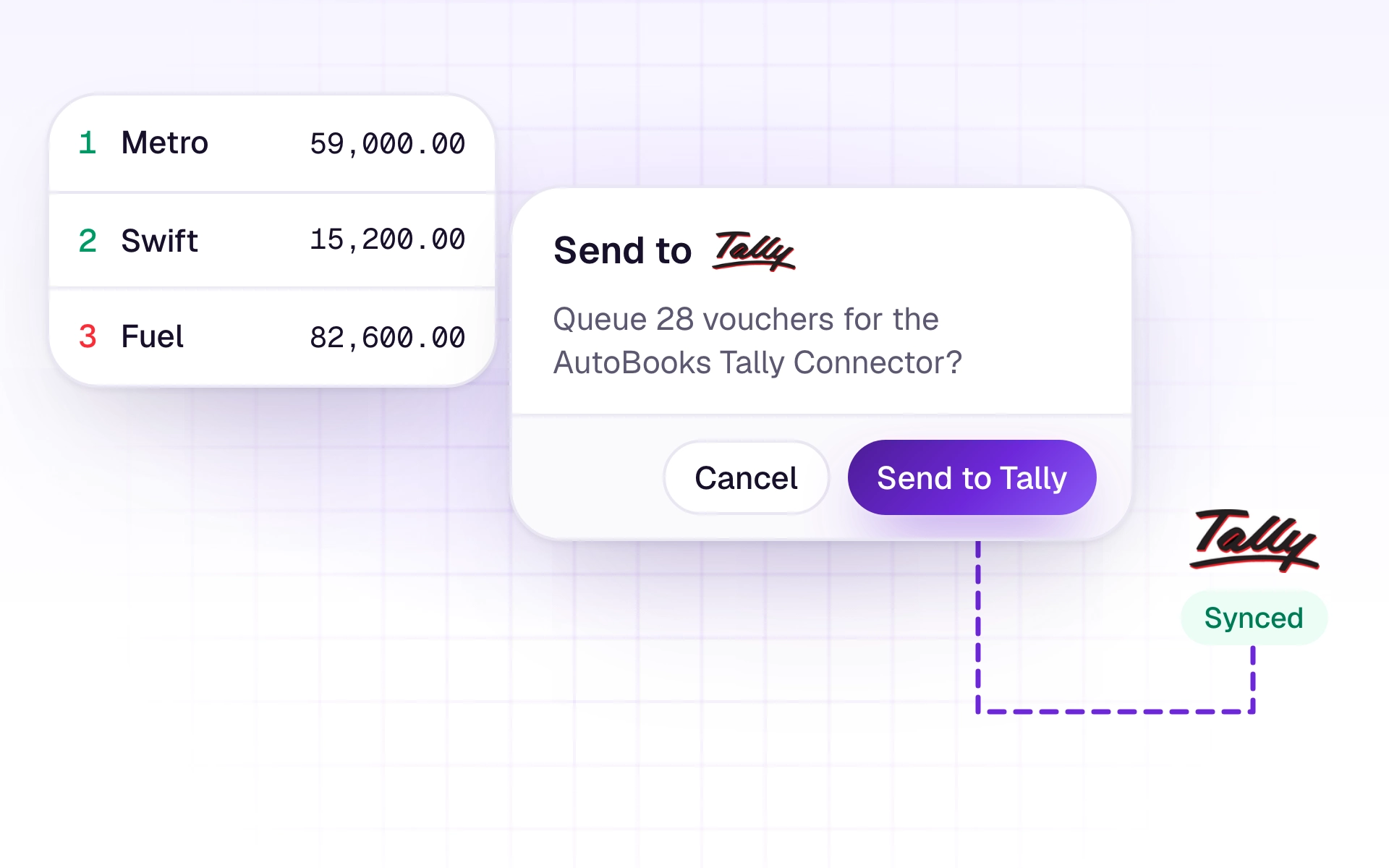
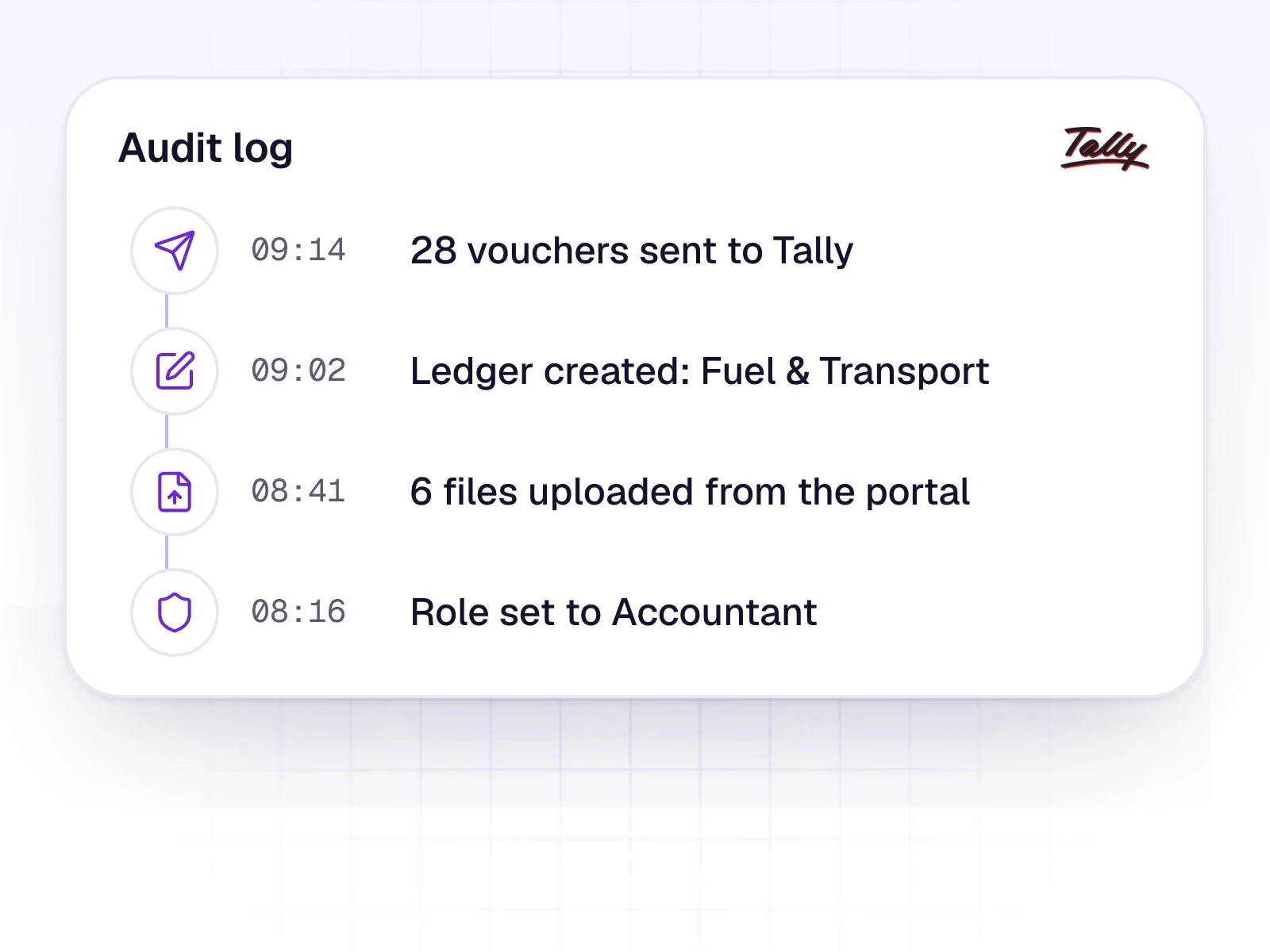
Approved work flows into Tally. AutoBooks prepares. Tally stays the source of truth.
Learn moreFor CA firms
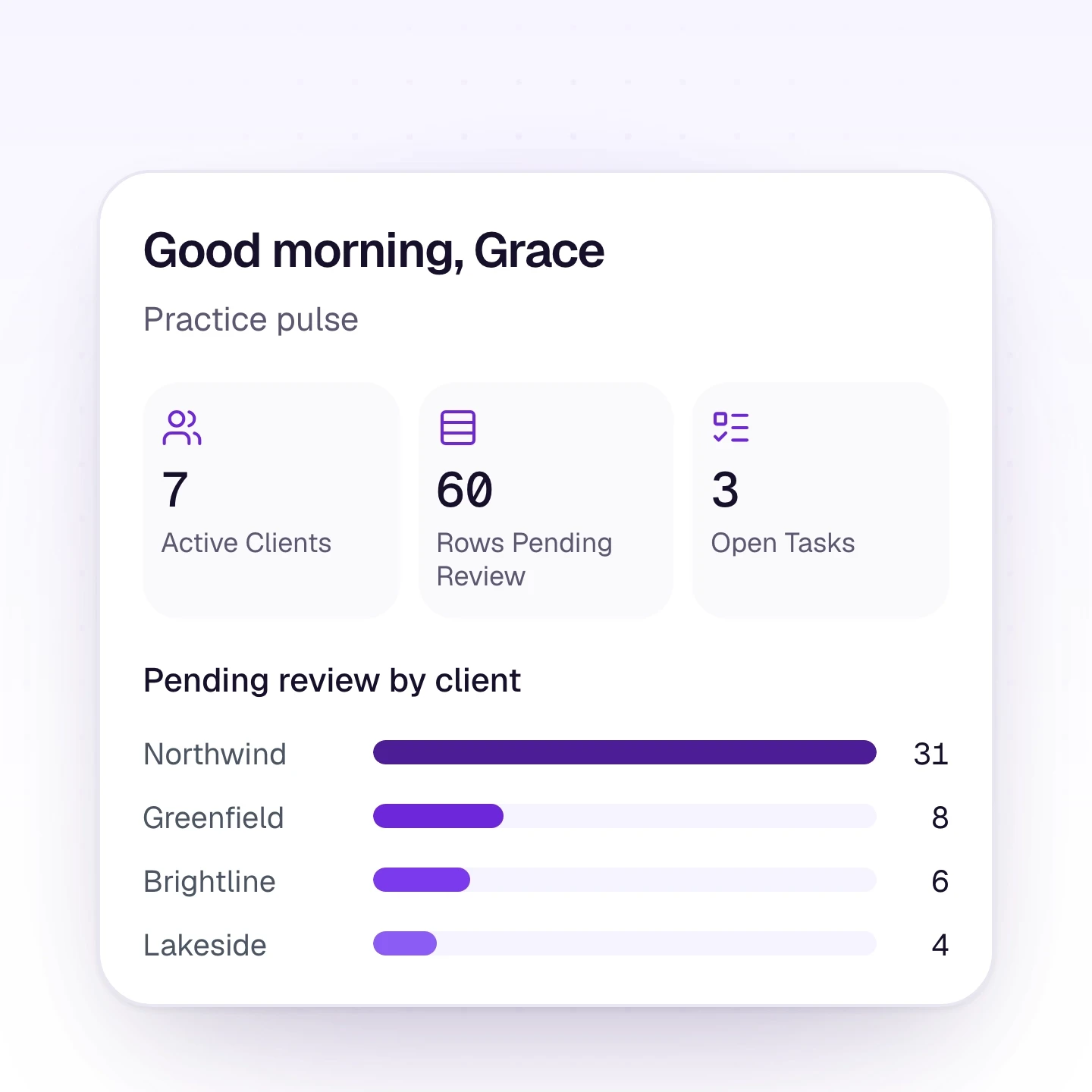
One workspace for many client businesses. Keep each client's documents and review work separate, then post into the books they already keep.
Learn more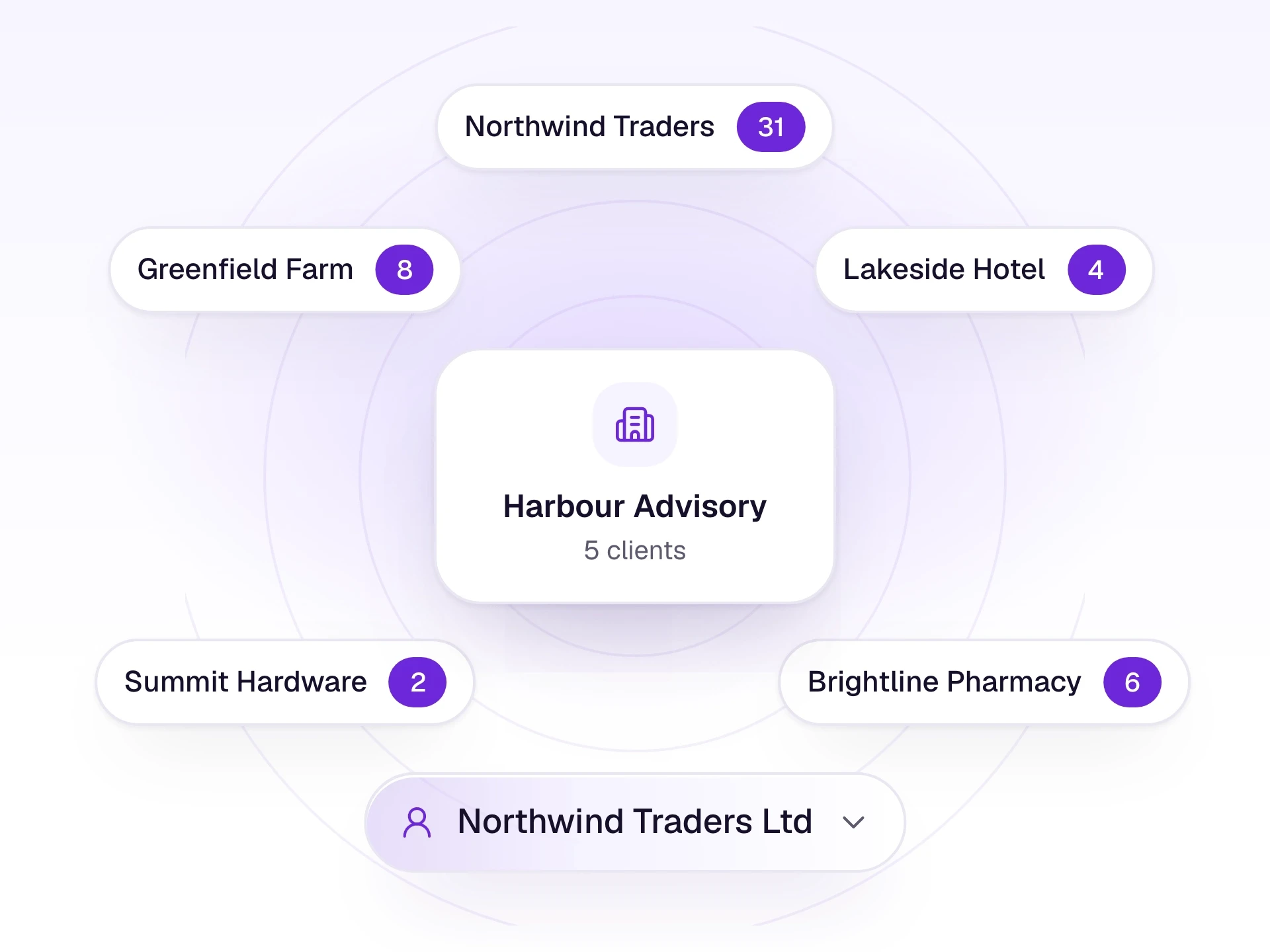
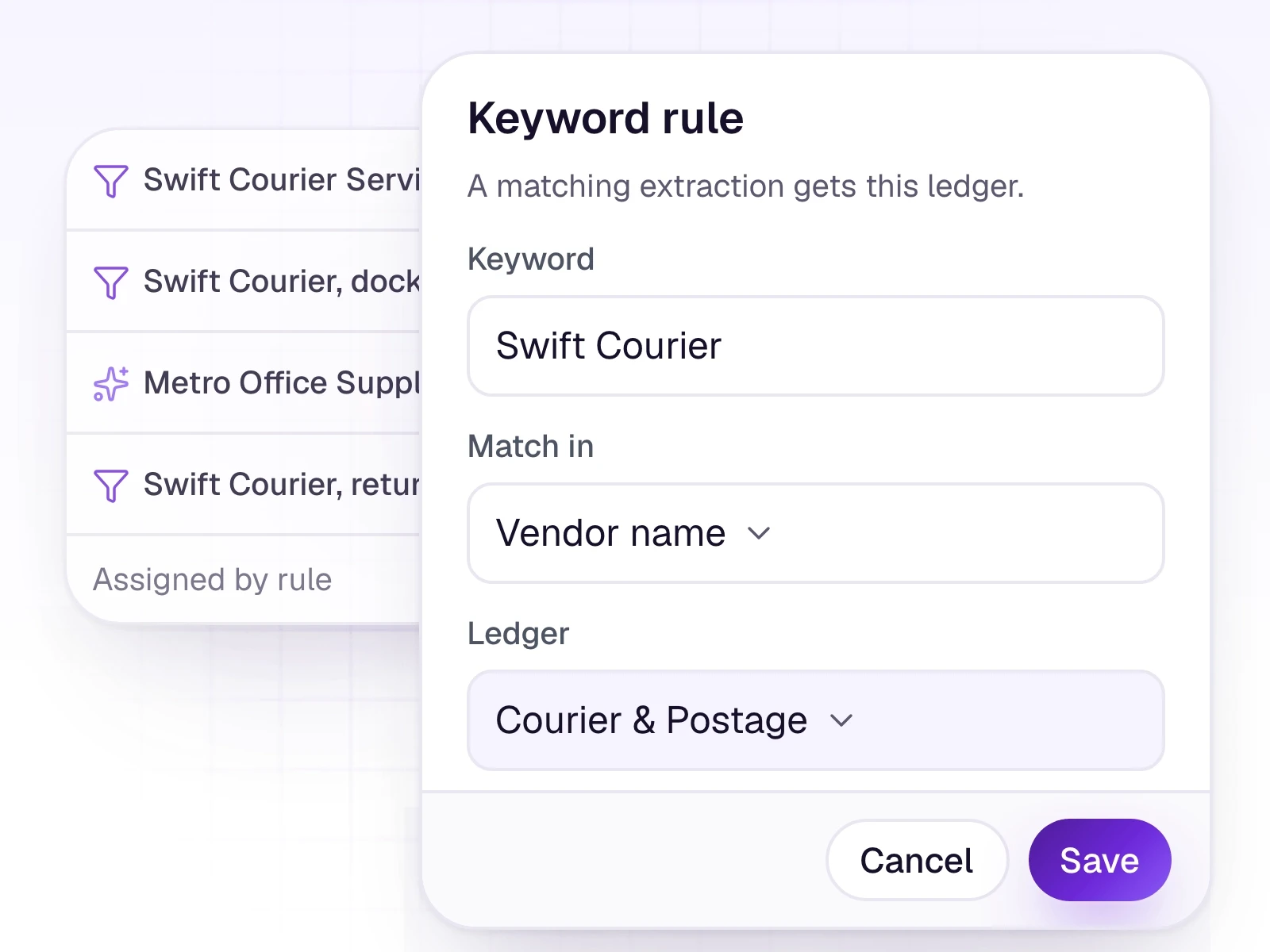
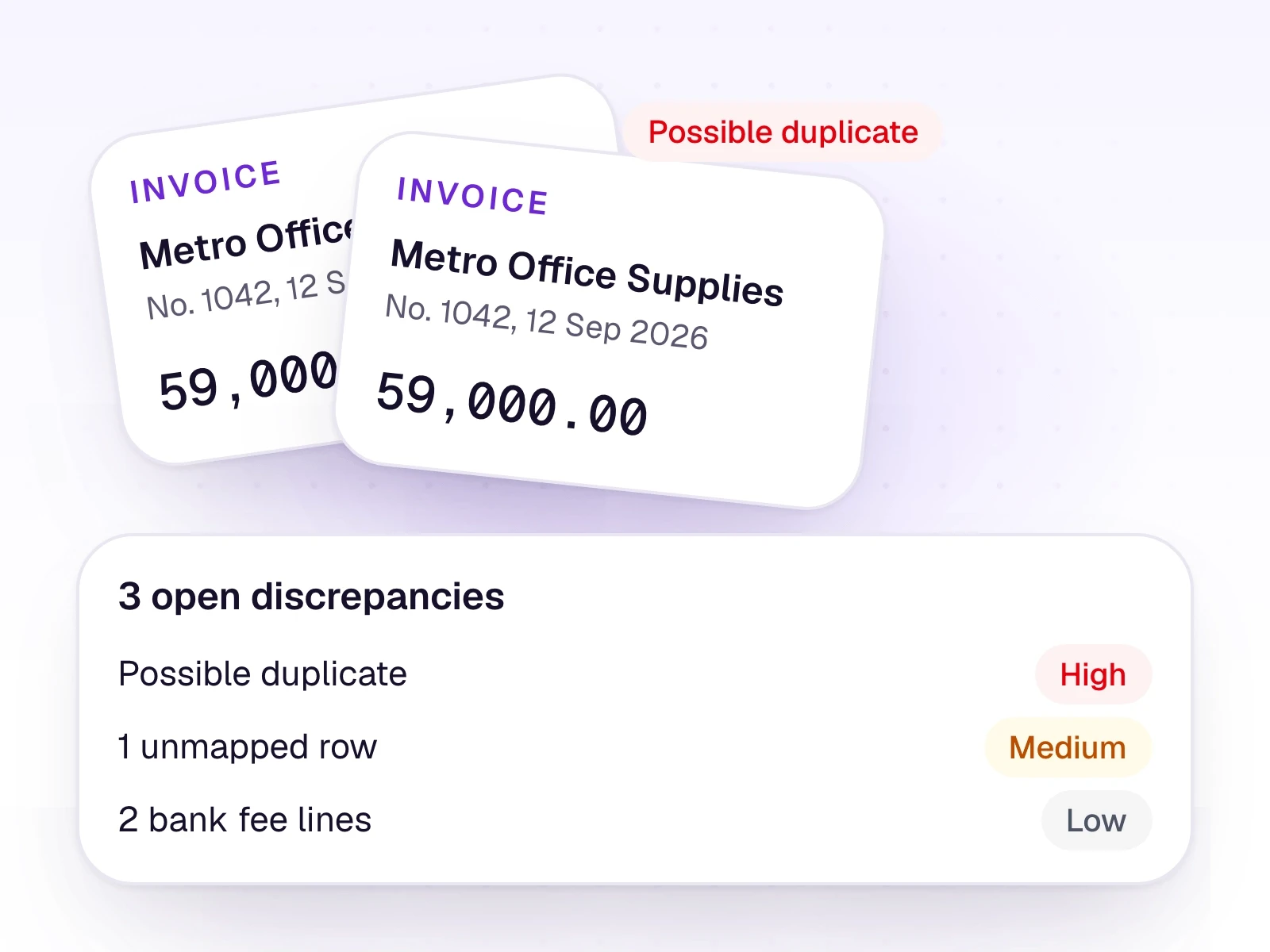
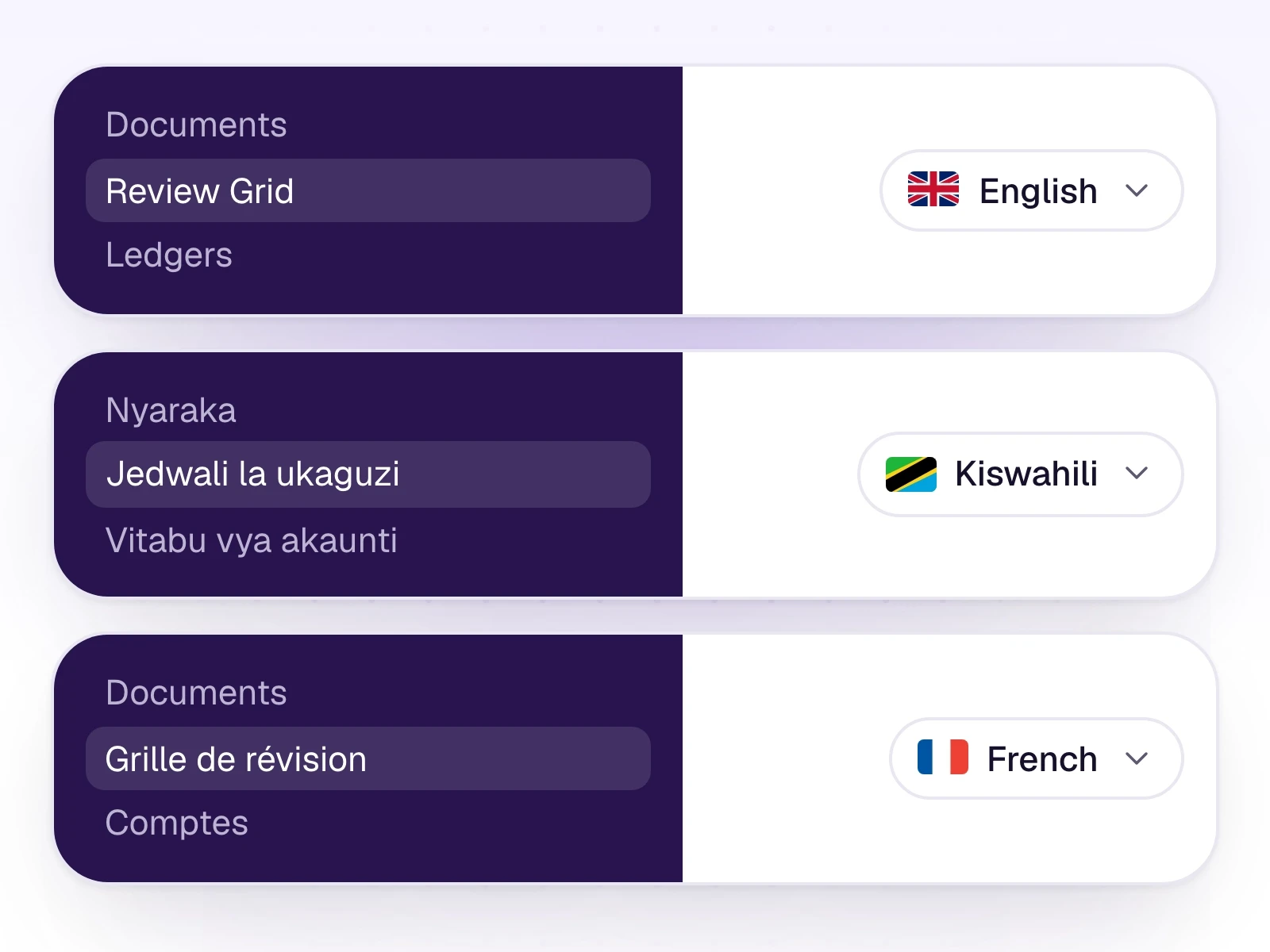
Rules, approvals, the client portal, and the books themselves. The same product, drawn from the screens your team uses.
For CA firms
Clients of a CA firm upload documents. The firm sees them in the same workspace.
From faster document cycles to cleaner books, every step is designed to give the team time back, without losing control.
Upload invoices, statements, and Z-Reports. Every new workspace includes a 7-day free trial.