


Who changed what, and when.
The audit log records important changes in a CA firm workspace. Administrators see everything. Juniors see entries for their assigned clients.
For CA firms
What it does
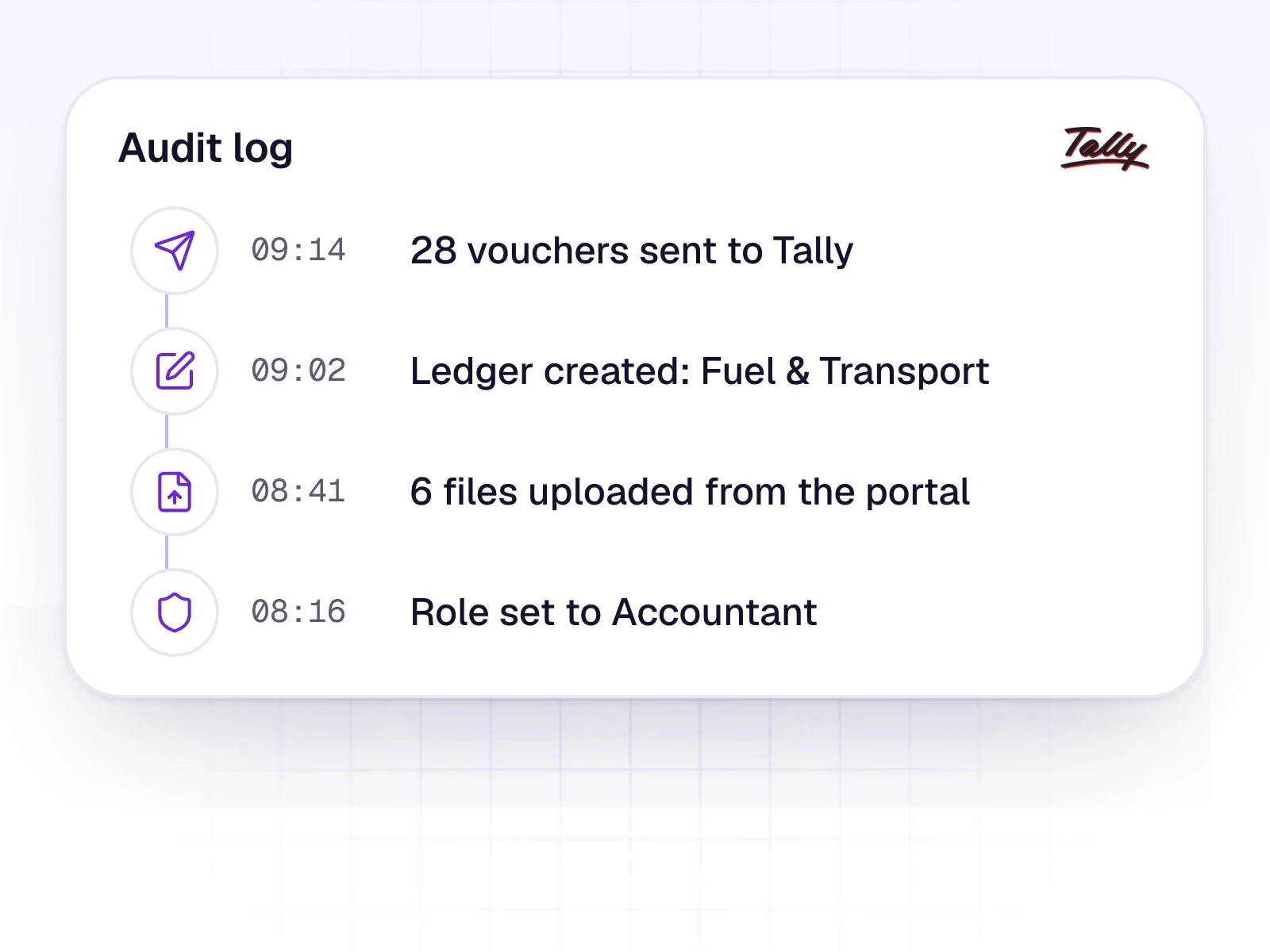
The log is for CA firm workspaces. It records clients being added, changed, or removed, portal sign-ins and presence, ledger, group, and voucher-type changes, and Tally sync events.
It is a record of those events. It is not a substitute for the review you do on each row.
What it includes
A record of client, portal, ledger, and Tally events.
- Client records added, changed, or removed
- Portal sign-ins and presence
- Ledger, group, and voucher-type changes
- Tally sync events
- Juniors limited to their assigned clients
- Administrators see the full log
Three steps
The short version of how a team uses it.
- 1
Work as usual
Adding a client, a portal sign-in, a ledger change, or a Tally sync writes an entry.
- 2
Open the log
Administrators see every entry. Juniors see the clients they are assigned.
- 3
Trace one change
Use the entry to see who did it and when, then open the related screen if you need to act.
Common questions
Straight answers about this part of AutoBooks.

Try Audit log
Create a workspace and try this with your own files. Every new workspace includes a 7-day free trial.