


Many client businesses. One workspace.
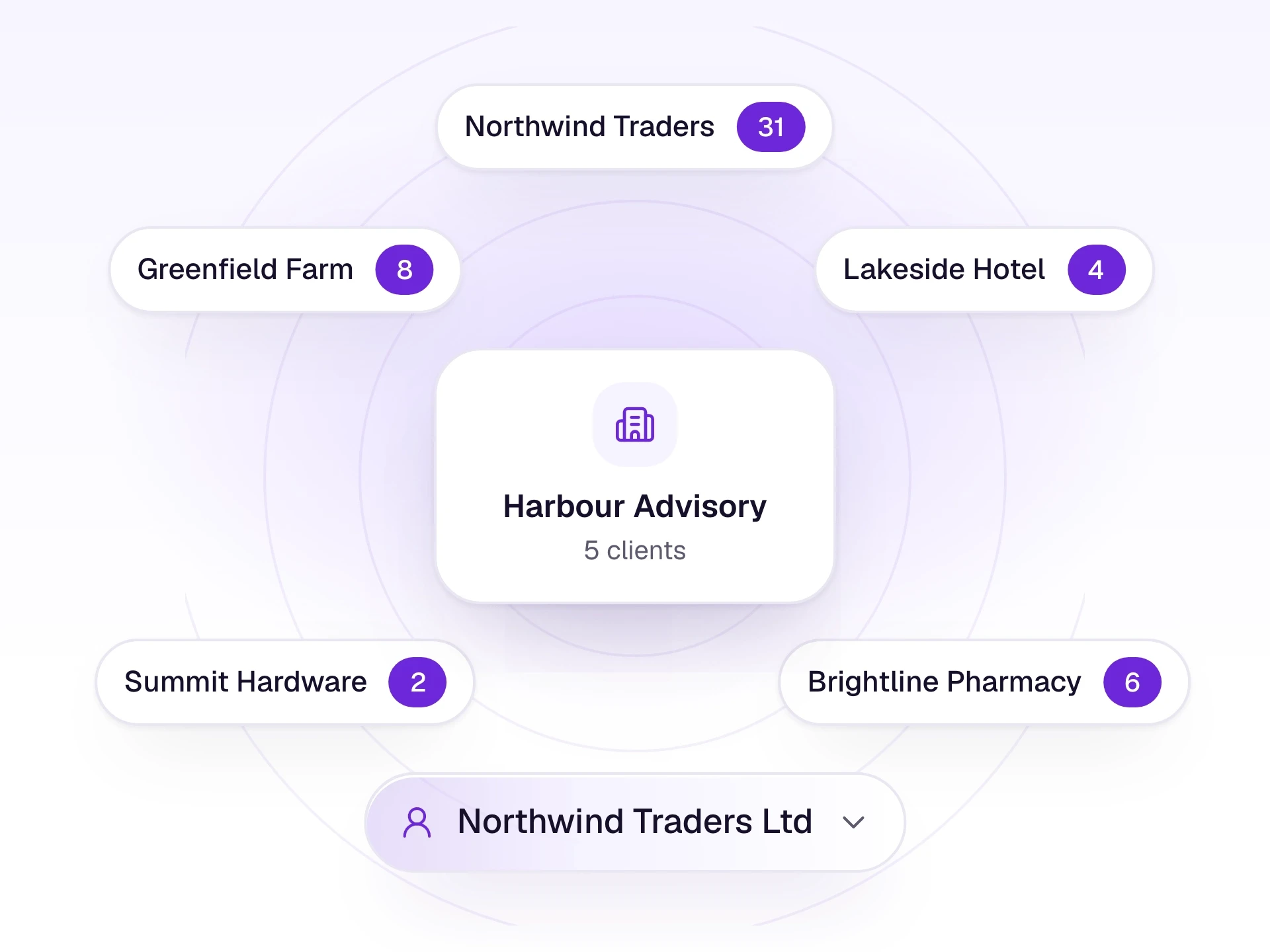
A CA firm keeps each client's documents and review work separate, then posts into the books that client already keeps. A company workspace is the same pipeline, without the client list.
For CA firms
What it does
Firm administrators add each business and work across them from one sign-in. Juniors only see the clients an administrator assigns. Documents, review, and the books stay separated by client.
Company workspaces do not have a client list. They use intake, review, and posting for the one business. Practice workflows, the client portal, and the practice audit log are for CA firms.
What it includes
Run many clients from one firm workspace.
- A client list for the firm
- Each client's documents and review kept separate
- Juniors limited to assigned clients
- The same intake, review, and posting pipeline companies use
- Portal invites and the practice audit log for the firm
Three steps
The short version of how a team uses it.
- 1
Add the business
A firm administrator creates the client and, if you want, invites them to the portal.
- 2
Assign the people
Tick the clients each junior should see. They cannot assign clients to themselves.
- 3
Work client by client
Switch client, review that client's rows, and post into the books they already keep.
Common questions
Straight answers about this part of AutoBooks.

Try Practice workspace
Create a workspace and try this with your own files. Every new workspace includes a 7-day free trial.