


Assign who uploads, who reviews, and who can post.
Roles stay explicit. Administrators invite people by email, and each person sets their own password.
What it does
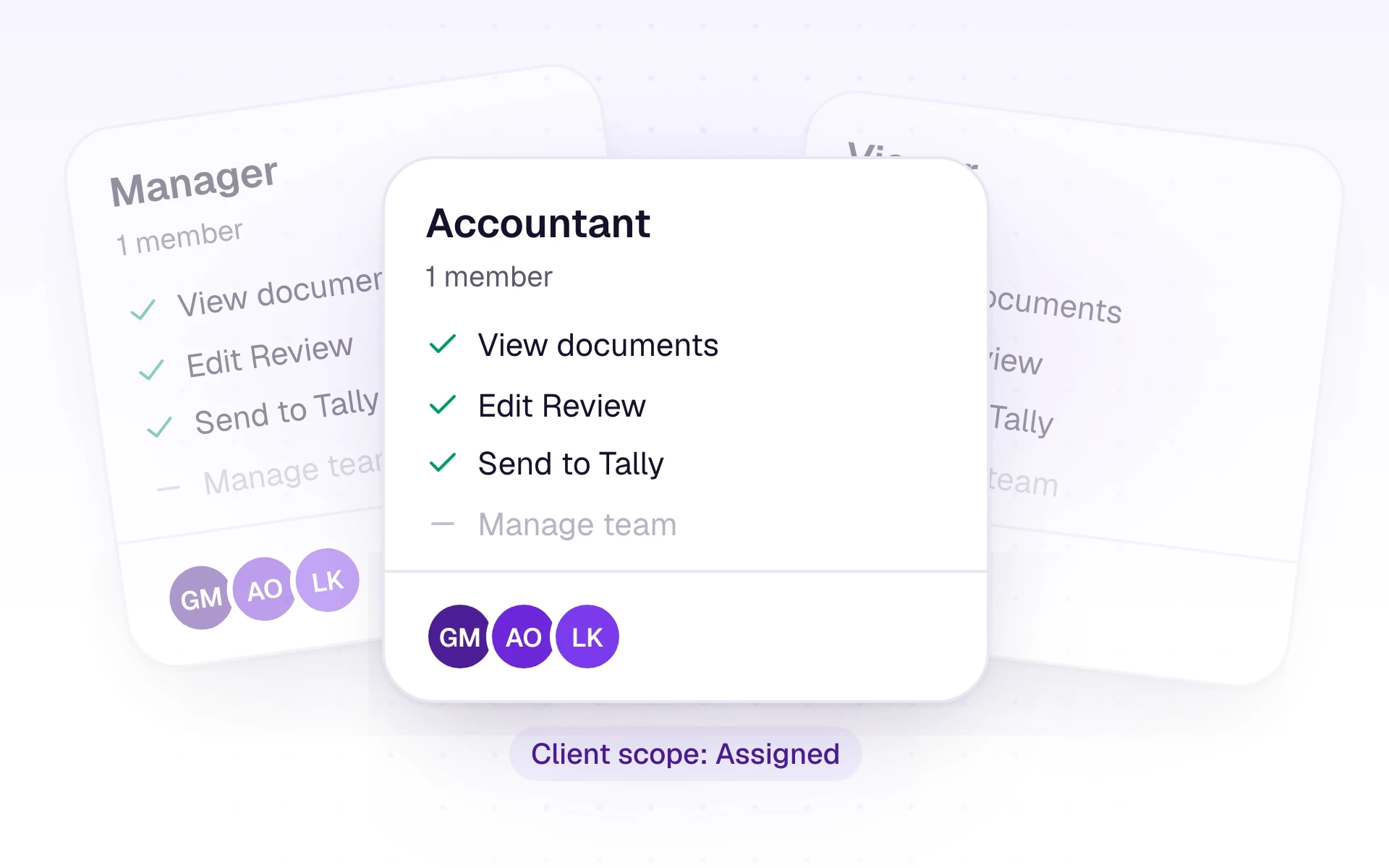
A CA firm has firm administrators and juniors. A company has company administrators and company accountants. A client portal user is upload-only. If someone needs more access, Settings shows them who their administrator is.
Administrators invite staff from Settings, Team, with an email and a role. Your plan sets how many team members can join. Juniors in a firm only see the clients an administrator assigns, and they cannot assign clients to themselves.
What it includes
Control who can manage the workspace and who can only do the work.
- Firm administrator: clients, staff, assignments, portal invites, settings, integrations, and Tally pairing
- Junior: upload, review, ledgers, approve, and send to Tally for assigned clients only
- Company administrator: the one business, including inviting accountants and integrations
- Company accountant: documents, review, ledgers, and the trial balance, without team or integration settings
- Client portal user: upload and view their own documents only
- Tasks with an assignee, priority, and due date, on a board or a list
Three steps
The short version of how a team uses it.
- 1
Invite
From Settings, Team, enter an email and choose the role. They set their own password from the email.
- 2
Assign clients
In a firm, tick the clients each junior should work on and save.
- 3
Hand over the work
Create a task with an assignee when a document or a follow-up needs a named person.
Common questions
Straight answers about this part of AutoBooks.

Try Team and role management
Create a workspace and try this with your own files. Every new workspace includes a 7-day free trial.