


Clients upload. You review.
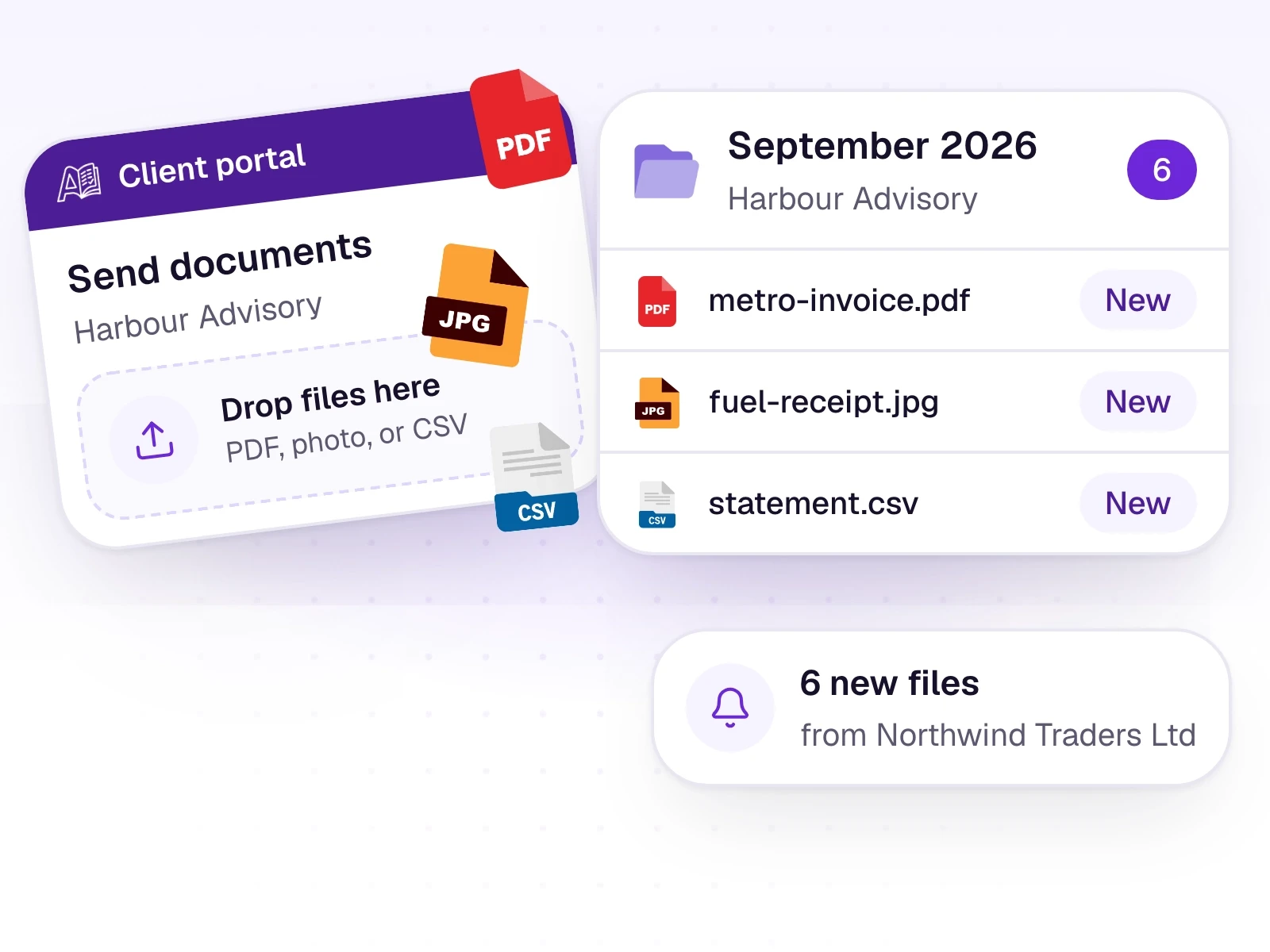
Each business gets an upload-only login. Their files land in your workspace. They never see your ledgers or Tally.
For CA firms
What it does
A firm administrator invites a client by email. The client sets a password and lands on the portal. They can upload files, see their own list, see their accountants, and read notifications.
They cannot see or edit ledgers, the trial balance, Insights, or Tally. They cannot see any other business, and they cannot approve or reject rows. A guide for them is available in English and Kiswahili.
What it includes
A place for clients to send documents, and nothing else.
- An invite from the client's row, sent by a firm administrator
- Upload and a list of their own documents
- Their accountants, and notifications
- English or Kiswahili on the portal profile
- No access to ledgers, the trial balance, Insights, or Tally
Three steps
The short version of how a team uses it.
- 1
Invite
On the business's row, send the portal invite. Add an email first if there isn't one on file.
- 2
They upload
The client sets a password and sends files. Those files appear in your Documents list.
- 3
You review
The firm checks every row. The client cannot approve, reject, or see the books.
Common questions
Straight answers about this part of AutoBooks.

Try Client portal
Create a workspace and try this with your own files. Every new workspace includes a 7-day free trial.