


Nothing becomes a record until an accountant approves it.
The Review Grid is the checkpoint. Edit the draft, then add it to the trial balance, send it to Tally, or reject it.
What it does
Nothing that AutoBooks reads reaches the trial balance or Tally until someone acts on it here. Click a file name to open transaction mode: the original document on one side, the voucher and its lines on the other.
Add to trial balance and Send to Tally are separate actions. You can do either, both, or neither, in any order. Rejected rows never post anywhere.
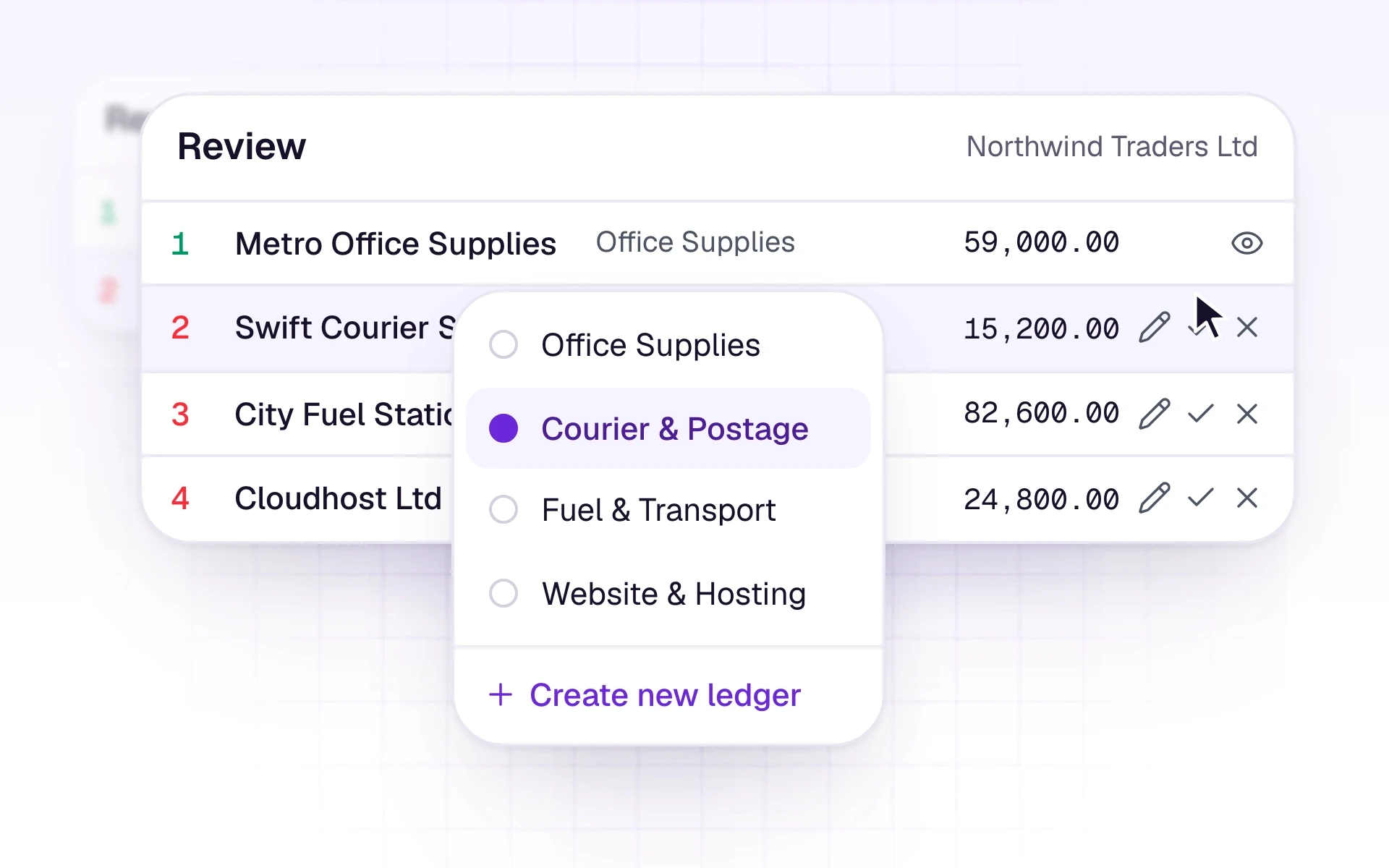
What it includes
Check every extracted row before it counts.
- Edit dates, parties, amounts, tax, ledgers, and voucher type
- Columns for Base Total, Sub Total, VAT, and Grand Total
- Tabs for All, Purchases, Sales, Bank, and Petty Cash
- Filters for sync, ledger mapping, pending review, and trial balance
- Search, sort, and amount range
- Reject one row, or several at once, with no reason required
Three steps
The short version of how a team uses it.
- 1
Open the grid
Choose the client, then open Review Grid. A company workspace is already on its one business.
- 2
Check the row
Compare the original with the draft. Edit any field that is wrong, or reject the row.
- 3
Choose what happens next
Add it to the AutoBooks trial balance, send it to Tally, or leave it pending.
Common questions
Straight answers about this part of AutoBooks.

Try Human review
Create a workspace and try this with your own files. Every new workspace includes a 7-day free trial.