


Approved work posts to Tally. Tally stays the books.
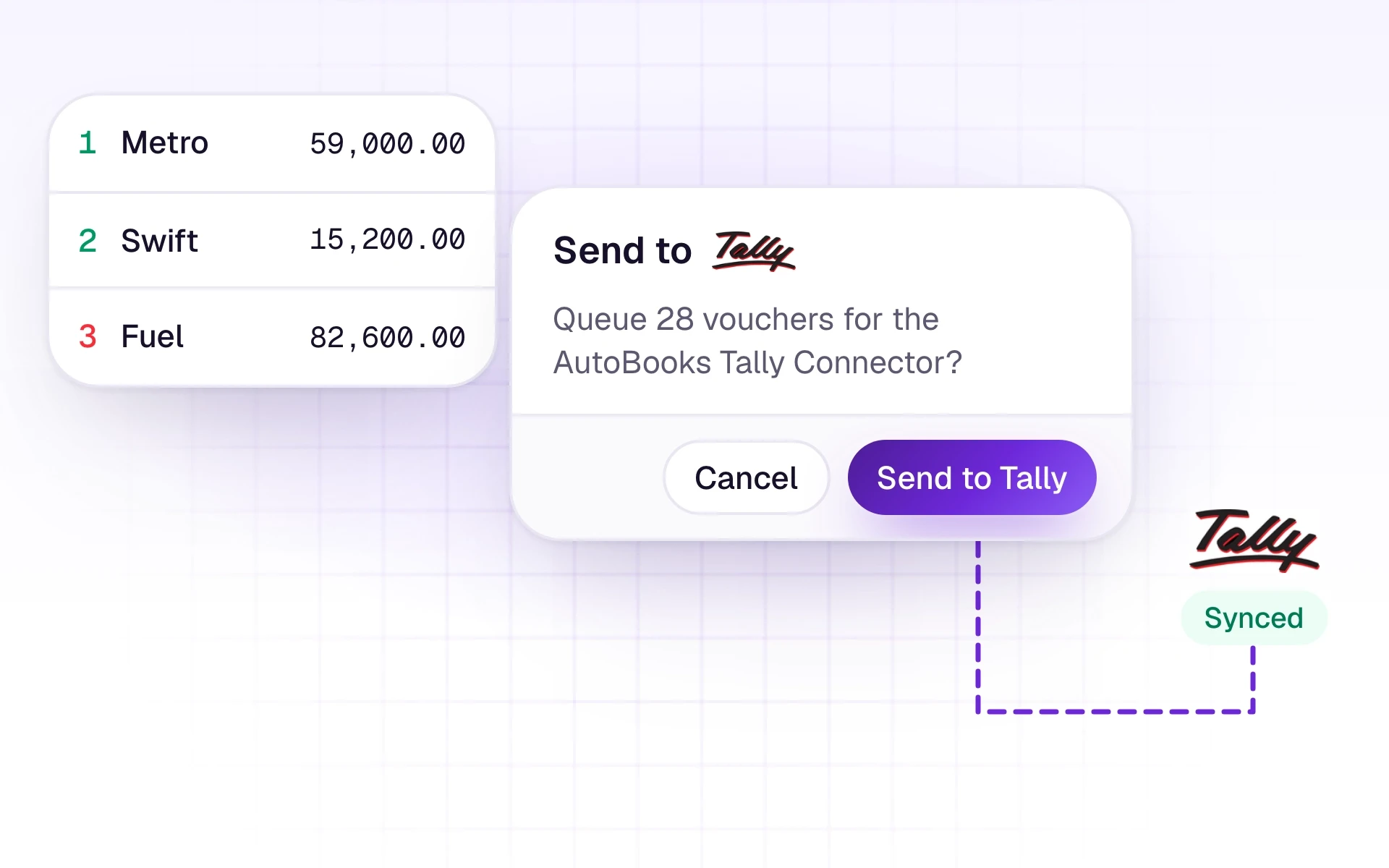
A connector on Windows runs beside Tally Prime. Masters and vouchers sync back, and only the rows an accountant sends go in.
What it does
AutoBooks prepares the voucher. An accountant chooses Send to Tally. The row needs a ledger first. Rejected rows are never sent. Many teams send straight from Review. Others add rows to the trial balance first and send at month end. Both work.
The connector syncs masters and vouchers. After a voucher sync, ledger activity in AutoBooks mirrors the Tally Day Book. Before that, it shows AutoBooks rows. Insights and the Profit and Loss and Balance Sheet reports can be pulled from Tally on request. They are as fresh as the last successful pull.

What it includes
Send reviewed vouchers into Tally, and pull masters back.
- A Windows connector beside Tally Prime
- Sync Masters and Sync Vouchers
- Send from Review once a ledger is mapped
- Rejected rows never sent
- A new ledger queued for Tally when the client is connected, reusing a same-name ledger instead of duplicating it
- Change, cancel, or delete a voucher that is already in Tally, with delete confirmed by typing DELETE
Three steps
The short version of how a team uses it.
- 1
Pair the company
Install the connector, keep it running, and subscribe the Tally company.
- 2
Sync the books you already keep
Sync Masters so ledger suggestions come from Tally. Sync Vouchers when you want the Day Book mirror.
- 3
Send what you choose
From Review, send the rows that should become vouchers. Tally remains the source of truth.
Common questions
Straight answers about this part of AutoBooks.

Try Tally sync
Create a workspace and try this with your own files. Every new workspace includes a 7-day free trial.