


See volume, mix, and the reports Tally already has.
Insights is included on the Enterprise plan. It charts the work for the selected client, and it can pull Profit and Loss and Balance Sheet from Tally.
Enterprise plan
What it does
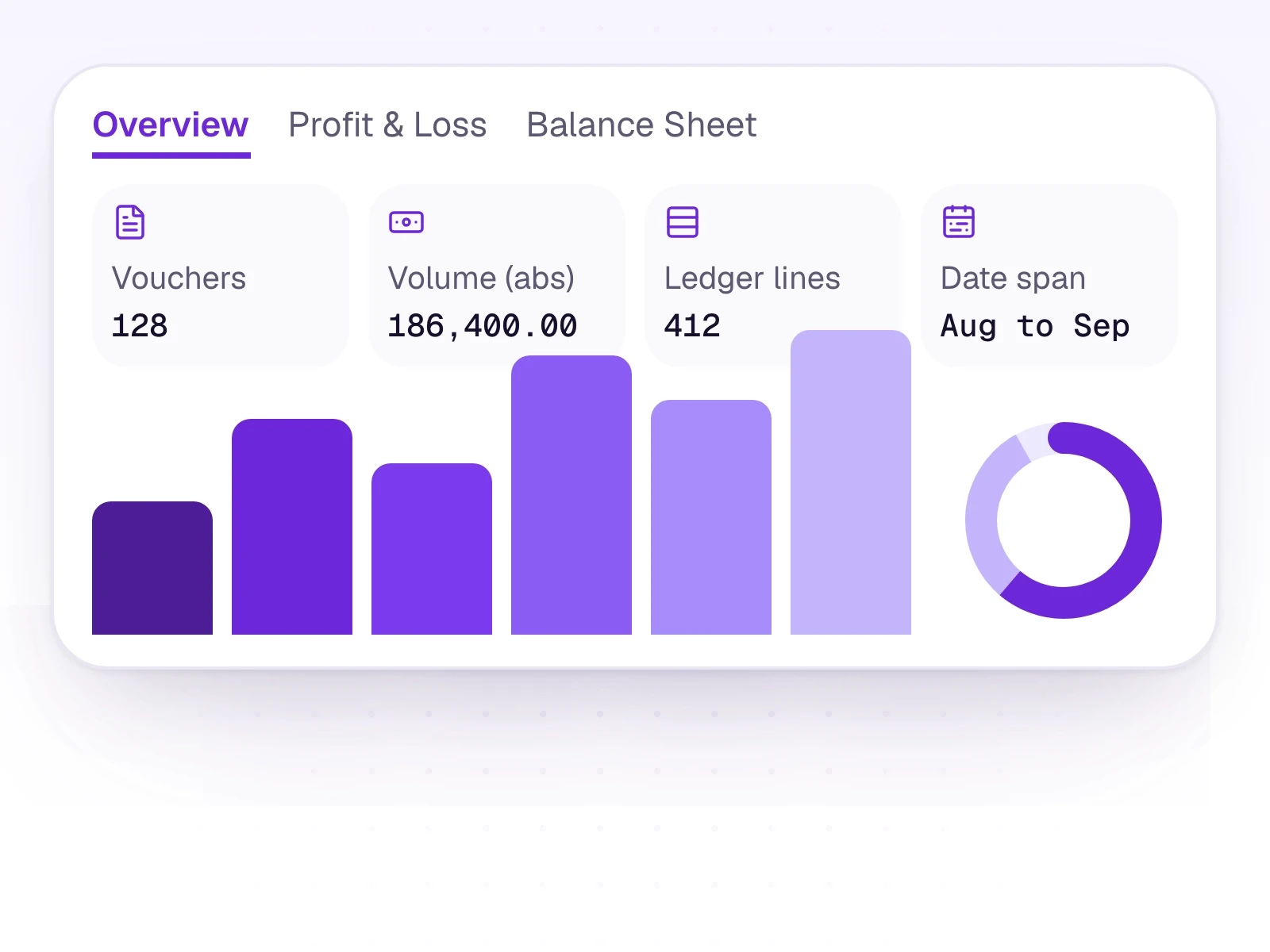
The overview is a strip of figures for the period, the voucher-type and ledger-type mix, a monthly trend, and top-ten rankings. The default period is all time. A custom range loads once both a start date and an end date are set.
Insights prefers the Tally Day Book after a voucher sync. Without one, it uses the rows you approved in AutoBooks, and the page says which source it is using. Profit and Loss and Balance Sheet keep Tally's two-column layout, including closing stock and gross profit. They arrive when you choose Refresh from Tally, with the connector running.
What it includes
Charts of volume and mix, plus Tally's own statements on request.
- Included on the Enterprise plan
- Key figures, voucher mix, ledger mix, and a monthly trend
- Top-ten rankings
- Source labelled: Tally Day Book, or approved AutoBooks rows
- Profit and Loss and Balance Sheet via Refresh from Tally
- As fresh as the last successful pull, not a live feed
Three steps
The short version of how a team uses it.
- 1
Open Insights
Select the client. The overview loads for all time unless you set a range.
- 2
Read the source
After a voucher sync, figures prefer the Tally Day Book. Otherwise they use approved AutoBooks rows.
- 3
Pull a statement
On Profit and Loss or Balance Sheet, choose Refresh from Tally and keep the connector running until it arrives.
Common questions
Straight answers about this part of AutoBooks.

Try Insights
Create a workspace and try this with your own files. Every new workspace includes a 7-day free trial.