


The same payment, flagged before it is booked twice.
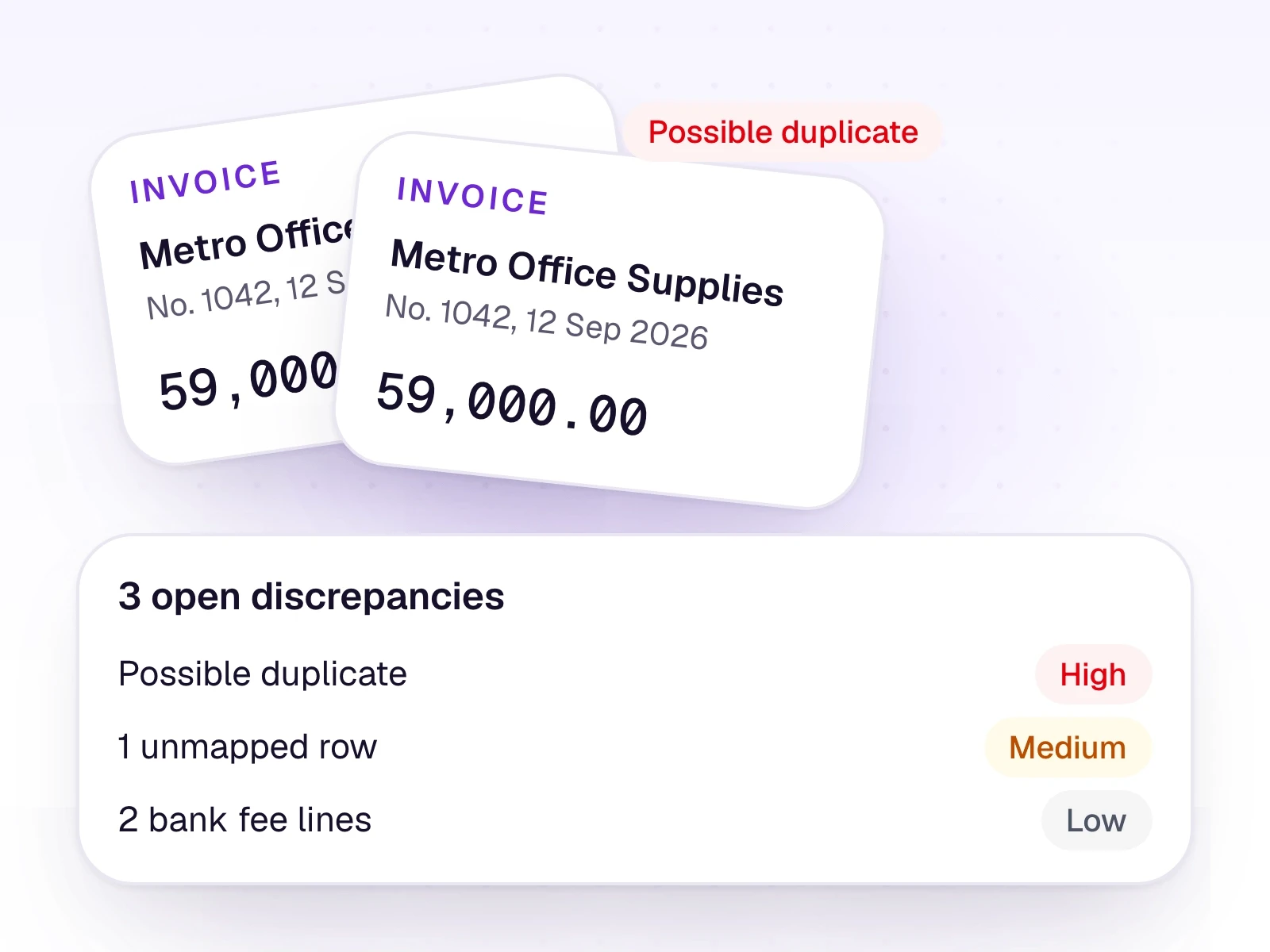
When two rows share the same date, amount, and supplier, AutoBooks raises a possible duplicate. You decide whether it is real.
What it does
Duplicate alerts sit with the other discrepancy alerts: a missing ledger, a bank fee, and an unusual amount. They show on the Dashboard and in the trial-balance workspace.
An alert is a helper for the reviewer. It is not an audit. Dismiss it once you have checked it.
What it includes
Flag a repeated payment before it posts.
- Possible duplicate when date, amount, and supplier match
- Missing ledger on a pending row
- Bank, service, ATM, and SMS fee wording
- An amount that is much larger than usual
- Dismiss an alert after you have checked it
Three steps
The short version of how a team uses it.
- 1
The alert appears
Two rows with the same date, amount, and supplier are marked as a possible duplicate payment.
- 2
You compare them
Open the rows and the original files. Keep one, reject the extra, or leave both if they are genuinely separate.
- 3
Dismiss it
Once you have checked the alert, dismiss it. It does not post or reject anything by itself.
Common questions
Straight answers about this part of AutoBooks.

Try Duplicate alerts
Create a workspace and try this with your own files. Every new workspace includes a 7-day free trial.