


The workspace in English, Kiswahili, or French.
Switch the AutoBooks workspace to the language the team works in. The books themselves stay as you entered them.
What it does
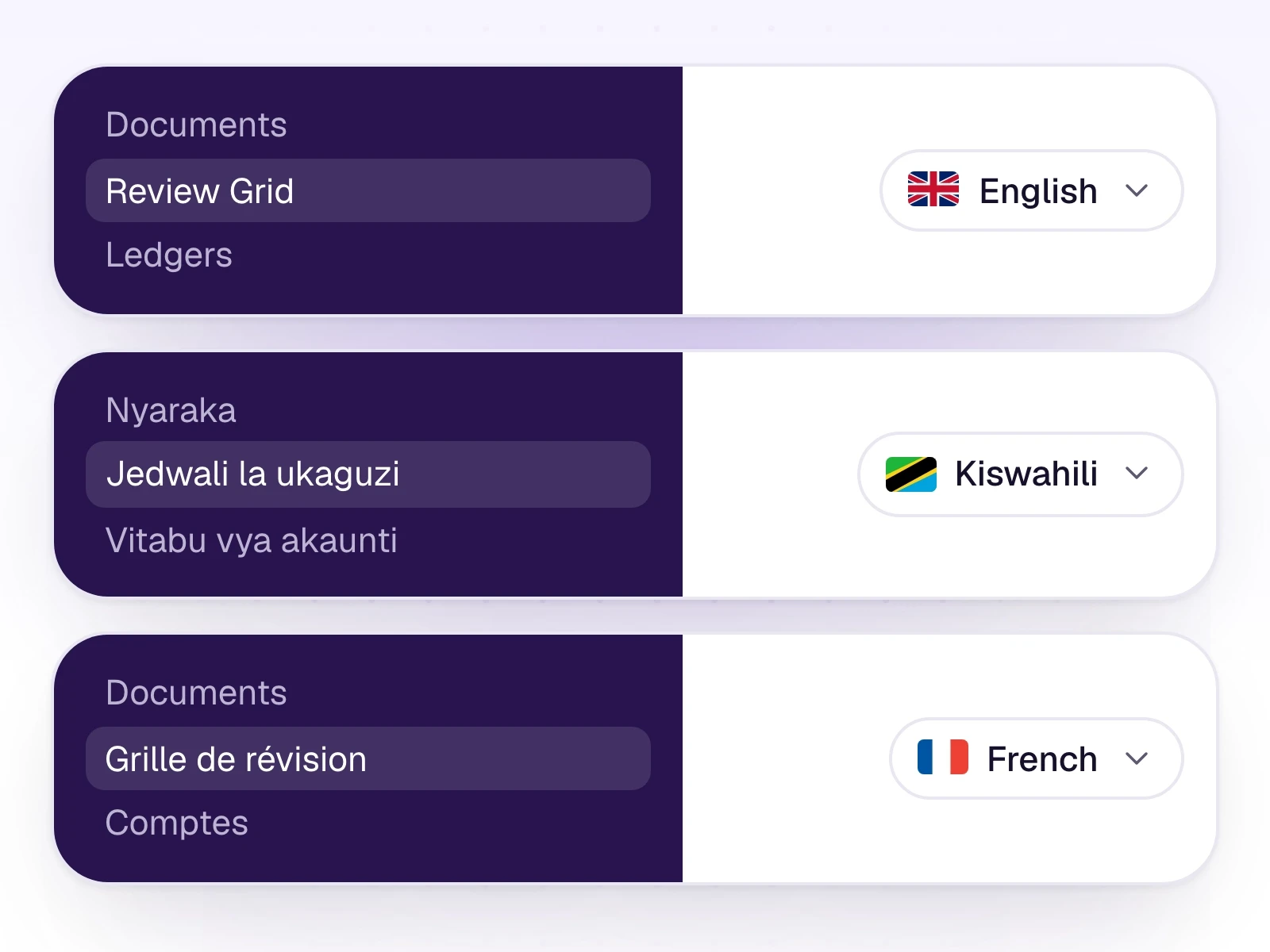
The workspace runs in English, Kiswahili, or French. Menus, labels, and the screens your team uses follow that choice.
Clients of a CA firm can set their own portal profile to English or Kiswahili. That does not change the firm's workspace language.
What it includes
Use the product in English, Kiswahili, or French.
- English, Kiswahili, and French for the workspace
- The same screens in each language
- English or Kiswahili for a client portal profile
Three steps
The short version of how a team uses it.
- 1
Open language settings
Choose the language for the workspace.
- 2
The screens follow
Navigation and labels switch. Your documents and ledger names stay as they were entered.
- 3
Clients choose separately
A portal user can set English or Kiswahili on their own profile.
Common questions
Straight answers about this part of AutoBooks.

Try Languages
Create a workspace and try this with your own files. Every new workspace includes a 7-day free trial.