


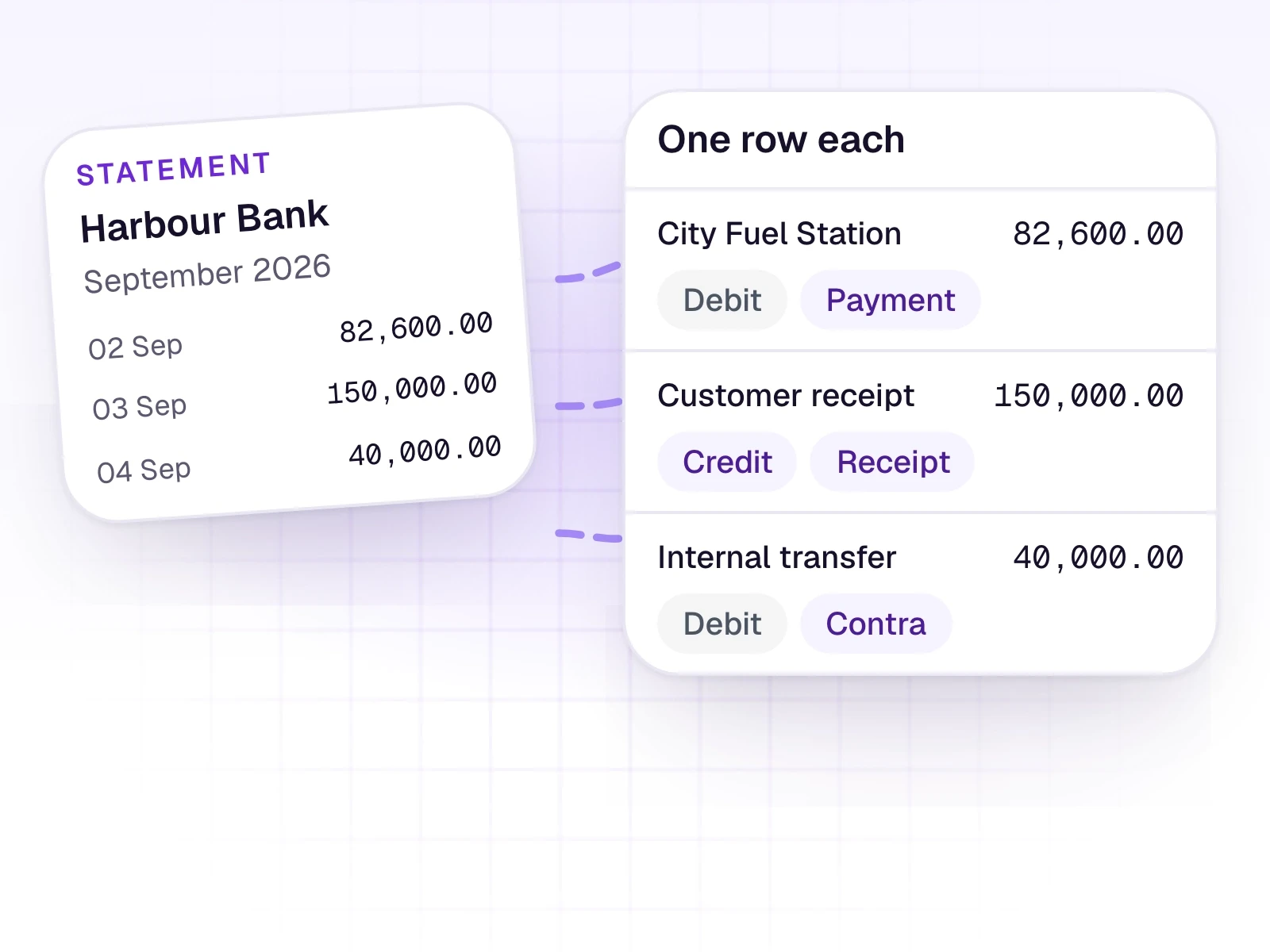
Every movement becomes its own review row.
Bank and mobile-money statements, as a PDF, a photo, or a spreadsheet. Each debit or credit is a line you can check.
What it does
Statements can be digital PDFs, photos, or spreadsheet exports. A digital bank PDF is read as a table. A photo is read into rows. A spreadsheet keeps the printed numbers.
Mobile-money statements usually land under Petty Cash. Spreadsheet exports get a light clean-up of payee and description wording. The amounts stay as printed.

What it includes
Split a statement into one review row per movement.
- One row per debit or credit
- Voucher types: Contra Deposit, Contra Withdraw, Payment, and Receipt
- Contra lines go to Tally as Contra vouchers
- Payments and receipts without a named party use the balancing account from Settings
- Statement rows are taken at their total
Three steps
The short version of how a team uses it.
- 1
Upload the statement
Add the PDF, photo, or spreadsheet export the same way as any other document.
- 2
Each line is a row
Review shows every movement on its own, with a limited set of voucher types.
- 3
You decide what posts
Edit a line, reject it, add it to the trial balance, or send it to Tally.
Common questions
Straight answers about this part of AutoBooks.

Try Bank statement lines
Create a workspace and try this with your own files. Every new workspace includes a 7-day free trial.