


Nothing posts while approval is pending.
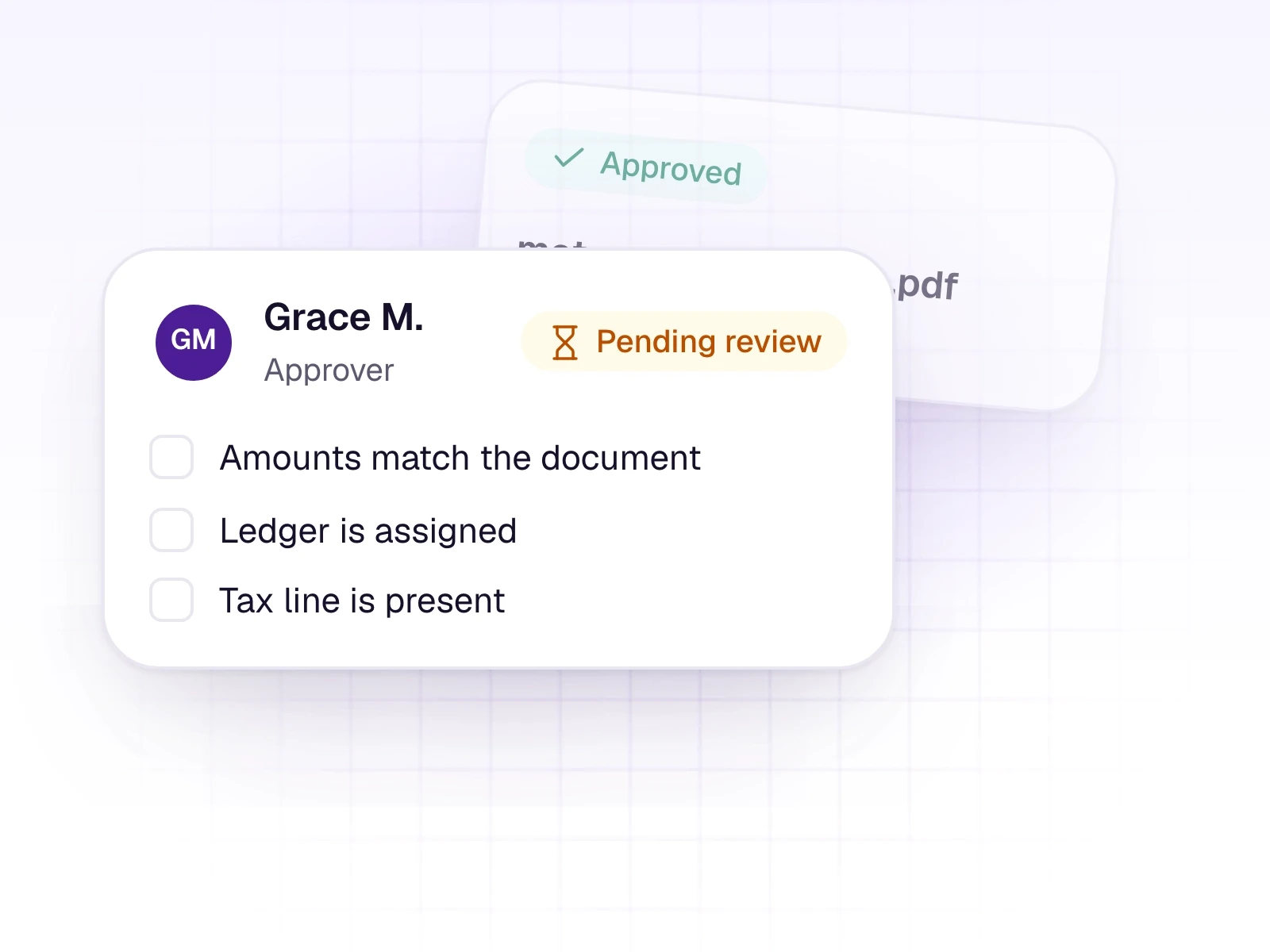
Send a document to a reviewer. The approval card holds a checklist, and posting waits until that approval is done.
What it does
Some files should not move until a second person has seen them. Document approvals send that file to a reviewer and keep it from posting while the approval is still pending.
The reviewer works from an approval card with a checklist. Until they are done, the document stays held.
What it includes
Hold a document until a reviewer has approved it.
- Send a file to a reviewer
- A checklist on the approval card
- Posting waits while approval is pending
Three steps
The short version of how a team uses it.
- 1
Send it
Choose the document and send it to the person who should approve it.
- 2
Wait
While approval is pending, the document does not post.
- 3
Continue
After it is approved, the team reviews and posts it in the usual way.
Common questions
Straight answers about this part of AutoBooks.

Try Document approvals
Create a workspace and try this with your own files. Every new workspace includes a 7-day free trial.